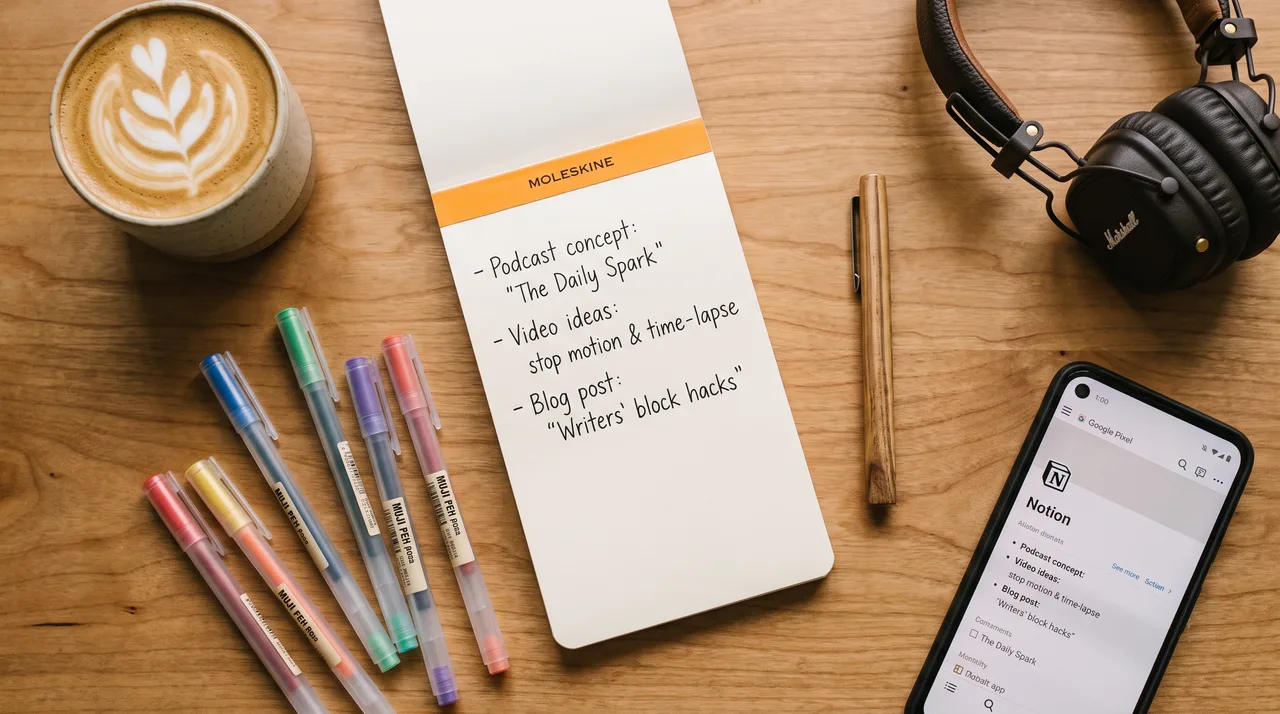
A simple content calendar is a one-page list with four columns — day, platform, topic, and status — holding just two or three weekly slots you can realistically hit. Add a recurring weekly planning reminder plus a reminder for each post, then fill the slots from a running idea list. That's it.
You know the pattern. Three posts in a good week and you feel unstoppable, then you disappear for a month because life got in the way and the momentum quietly died. The fix isn't more willpower. It's a content calendar simple enough that you actually keep using it.
Most creators abandon their calendar because it turns into a second job. Color-coded spreadsheets, twelve content pillars, elaborate approval workflows. That setup is for teams of ten. You need something you can keep up on a Sunday afternoon with a coffee in hand.
Let's build that instead.
Why a content calendar beats motivation
Motivation is a terrible scheduling system. It shows up when you don't need it and vanishes the week you're slammed. A content calendar takes away the daily question of "what do I post today?" And that question is where most creators lose the game.
When the choice is already made, posting becomes a task you finish rather than a mood you wait for. That's the whole trick. You swap a hundred small negotiations with yourself for one planning session a week.
A calendar also makes going quiet visible. An empty slot stares back at you. That small discomfort does more for consistency than any productivity hack.
The one-page content calendar
Forget the software for a minute. Your whole system fits on one page — paper, a Notion table, or a Google Sheet. It has four columns:
| Day | Platform | Topic / Hook | Status |
|---|---|---|---|
| Monday | "3 mistakes I made early on" | Drafted | |
| Wednesday | Newsletter | Behind-the-scenes of a project | Idea |
| Friday | Repurpose Monday's post | Posted |
That's it. No content pillars, no engagement projections, no 30-day grid you'll ditch by day four. Just what, where, and whether it's done.
The Status column matters more than it looks. Watching an item move from Idea to Drafted to Posted gives you a small hit of progress every time you open the page. That feedback loop is what brings you back.
Start with three slots, not thirty
The biggest mistake is planning a month of daily posts when you can't reliably manage one a week. Pick a schedule you can hit on your worst week, not your best one.
For most solo creators, that's one to three posts a week. Three quality posts you actually publish beat a perfect daily plan that collapses in ten days. You can always add slots later. Adding feels like a promotion; cutting feels like failure.
Build your posting schedule around real life
Your schedule should match your actual week, not an ideal one. Look honestly at when you have energy and time.
Ask yourself:
- When do I usually have 30 quiet minutes?
- Which days am I too drained to be creative?
- When is my audience actually online?
Maybe you batch-write on Sunday, schedule everything, and coast through the week. Maybe you're a morning person who can knock out a post before work. There's no correct answer. There's only the schedule you'll keep.
Write your chosen days into the calendar as fixed appointments. "Tuesday and Thursday, 8am" is a decision. "A few times a week" is a wish.
Anchor posts to habits you already have
Tie each posting slot to something you already do without thinking. Post after your morning coffee. Draft during lunch. Schedule everything right after Sunday dinner. Attaching a new behavior to an established one — habit stacking — works far better than counting on a fresh burst of discipline.
The reminder system that stops you going dark
A calendar you never look at is just a document. The reminders turn it into a system. You need two kinds.
The planning reminder. One recurring alert each week that says plan next week's posts. This is your 20-minute session where you fill empty slots and move ideas forward. Put it on a repeating calendar event with a notification, not a mental note.
The posting reminders. One alert per scheduled slot, timed to when you'll actually publish. If Wednesday at 8am is a newsletter day, the reminder fires at 7:45.
Here's a quick setup you can copy into any calendar app as recurring events:
WEEKLY PLANNING
  Sunday 5:00pm — "Plan next week's content (20 min)"

POSTING SLOTS
  Monday 8:00am — "Post: Instagram"
  Wednesday 8:00am — "Send: Newsletter"
  Friday 8:00am — "Post: LinkedIn (repurpose Monday)"
The magic is in the planning reminder. As long as that one fires every week, your calendar can never go fully empty. You maintain the system before it breaks, instead of scrambling to revive it after two silent months.
Make missing a post a non-event
You will miss posts. Everyone does. The difference between consistent and inconsistent creators isn't that the consistent ones never slip. It's that a missed post doesn't spiral into a missed month.
Set a rule: one missed slot gets skipped, not made up. Trying to "catch up" by posting twice the next day just piles on pressure and usually ends with you abandoning the whole thing. Skip it, move on, hit the next slot. Consistency is measured over months, not individual days.
Content planning without the overwhelm
The scariest part of any calendar is the empty topic column. Good planning solves this by separating idea capture from idea use — two things creators wrongly try to do at once.
Keep a running list of ideas somewhere frictionless: your phone's notes app, a single page in your calendar, whatever's fastest. Every time a topic comes to mind — a question someone asked, a mistake you made, something you're excited about — dump it there. No formatting, no judgment.
Then, during your weekly planning session, you're not inventing ideas under pressure. You're shopping from a list you already made. This one shift makes planning feel like picking dinner from a stocked fridge instead of staring into an empty one.
The repurposing shortcut
You don't need a fresh idea for every slot. The fastest way to fill a content calendar is to make one idea work across several posts.
Turn a single piece of content into a week's worth:
- A newsletter becomes three social posts, each covering one point
- A long video becomes several short clips
- A popular post from six months ago gets reworded and reshared
- An FAQ from your inbox becomes a how-to
Repurposing keeps your planning light even when your creative energy is low. Plan the anchor piece, then spin the smaller pieces off it. Notice how the Friday slot in the sample calendar just repurposes Monday's post — that's intentional.
Your 20-minute weekly routine
Here's the whole system in action. When your planning reminder fires, do these steps in order:
- Open the calendar and look at last week. Move anything you posted to Posted. Delete or skip anything you missed. No guilt.
- Check your idea list. Pick topics for each open slot in the coming week.
- Fill the topic column. Write a rough hook, not a finished post — just enough that future-you knows what you meant.
- Mark quick wins. Flag anything you can repurpose from existing content so you're not writing from scratch.
- Confirm your posting reminders are set. That's it. Close the tab.
Twenty minutes. Done once a week, this quietly guarantees you never face a blank week again.
What a good week looks like
| Session | Time | What you do |
|---|---|---|
| Sunday planning | 20 min | Fill slots, pick topics |
| Draft time | 30–60 min | Write the week's posts |
| Posting slots | 5 min each | Publish when reminded |
Under two hours a week for a consistent presence. Compare that to the stop-start cycle that burns far more energy through guilt and last-minute scrambling.
Common traps and how to dodge them
Over-planning the tool. Spend three hours picking the perfect app and you've already lost. Any calendar you'll open beats a beautiful one you won't. Start with what's already on your phone.
Planning too far ahead. A month of detailed posts is a month of decisions reality will overrule. Plan one week at a time. It stays flexible and never feels stale.
Treating every post as precious. Perfectionism is just going dark with extra steps. A decent post published today beats a perfect one that never ships. Your schedule rewards volume and consistency, and those compound over time.
Ignoring what works. Once a month, glance at which posts landed. Do more of that. Your content calendar should slowly bend toward the topics your audience actually responds to.
Start this week
Don't wait for Monday, or the first of the month, or the moment you feel organized. Open a blank page right now and make four columns: day, platform, topic, status. Add two or three slots you're confident you can hit. Set one weekly planning reminder and a reminder for each slot.
That's a working content calendar. It took less time than reading this article.
Creators who post consistently aren't more disciplined or more inspired than you. They just removed the daily decision and replaced it with a small, repeatable system. Do the same, protect that 20-minute planning session, and let the calendar carry the momentum you used to rely on willpower for.