TL;DR: Pick your best episode, mark 8–12 standout moments, then cut seven vertical clips with captions and hooks. Write a caption and CTA for each, match them to platforms like TikTok, Reels, and Shorts, and schedule one per day. Batch everything and save templates so you can repeat it fast each week.
You spent an hour recording a great conversation. It aired, got a spike of downloads, then slowly sank into the archive. Sound familiar?
That's the problem podcast repurposing solves. Instead of letting a rich, hour-long episode sit in one place, you break it into a week's worth of short clips that keep showing up in feeds long after the episode drops. Done well, one recording can quietly feed your entire content calendar.
Here's the exact workflow, from picking the episode to scheduling seven posts.
Why podcast repurposing is worth the effort
Recording is the expensive part. You've already done the hard thinking, the guest booking, and the talking. The clips just harvest value you already created.
A single 45-minute episode usually contains:
- several genuinely quotable moments
- 2 or 3 short teachable frameworks
- At least one funny or emotional exchange
- A handful of strong one-liners
That's plenty of raw material for a week of posts. And short clips do something your full episode can't: they meet people where they already scroll. A 40-second Reel can pull a brand-new listener into your back catalog.
Step 1: Pick the right episode to repurpose long-form
Not every episode is a clip goldmine. Before you repurpose long-form audio into clips, listen back with one question in mind: which moments made me lean in?
The best episodes to start with tend to have:
- A clear guest or topic hook
- Moments of genuine reaction or surprise
- Practical advice people can act on
- A memorable story or hot take
If you record video alongside audio, even better. You'll have footage to work with. Audio-only? Don't worry. You can still make engaging clips with waveform animations, captions, and B-roll.
Step 2: Find your clip-worthy moments
Open your episode and scrub through it, marking timestamps for anything that could stand alone. A clip works on its own when someone who's never heard the episode still gets value or feels something in under a minute.
Look for these five clip types:
| Clip type | What it does | Ideal length |
|---|---|---|
| The hot take | Sparks debate and comments | 20–45 sec |
| The how-to | Teaches one quick thing | 45–60 sec |
| The story | Emotional or funny moment | 30–60 sec |
| The one-liner | Quotable, punchy | 10–20 sec |
| The teaser | Hints at the full episode | 15–30 sec |
Aim to mark 8 to 12 candidates. You won't use them all, but options let you pick the strongest seven.
A quick rule for cutting
Start the clip on action, not setup. Cut the "So, um, what I was going to say is..." and open on the actual point. The first two seconds decide whether someone keeps watching.
Step 3: Cut and format your short clips from podcast audio
Now turn those timestamps into finished short clips from podcast footage. You've got two realistic paths.
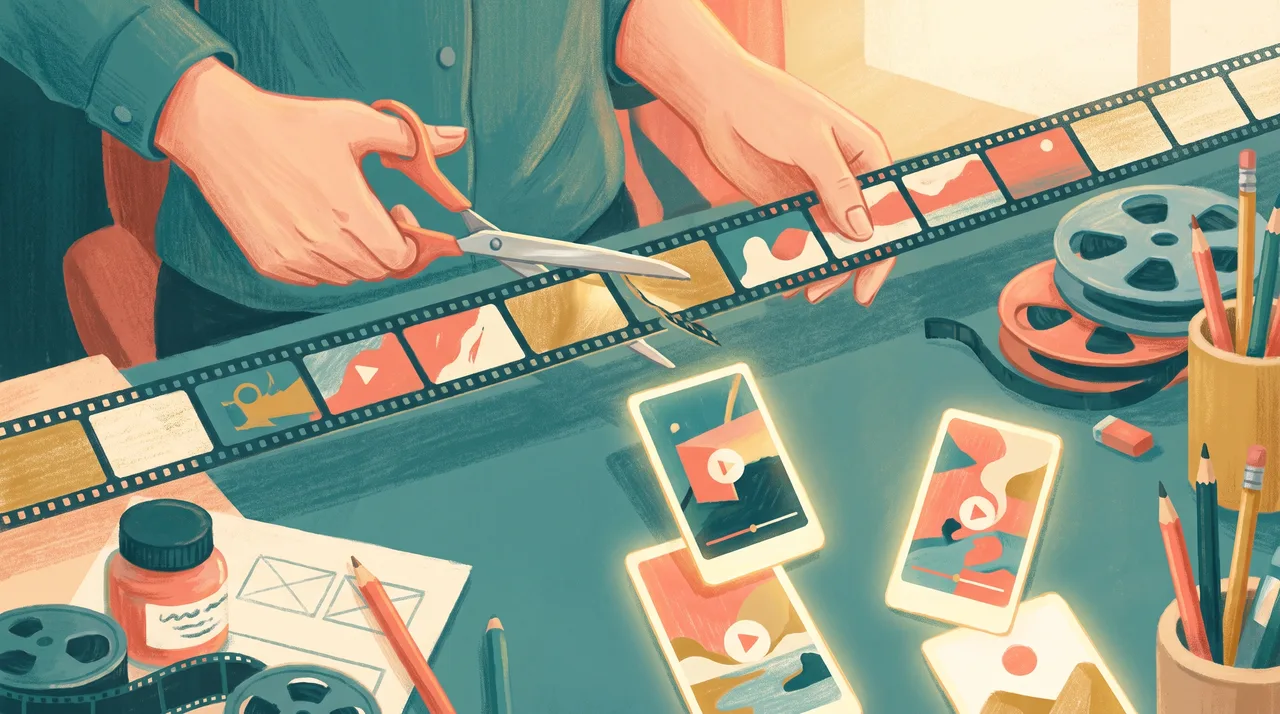
The manual route works in any editor: CapCut, Descript, Premiere, or DaVinci Resolve. You trim each moment, crop to vertical (9:16), and export.
The AI-assisted route uses a tool that scans your episode, suggests clip-worthy segments, and auto-formats them. It's faster, but always review the suggestions. Algorithms miss context and sometimes cut a punchline in half.
Whichever route you choose, every clip needs the same four things:
- Vertical framing (9:16) for Reels, Shorts, and TikTok
- Burned-in captions — most people watch on mute
- A visual hook in the first frame (a bold text overlay or the most surprising line)
- Clean audio — trim dead air and level the volume
Captions matter more than you think
Up to 80% of social video is watched without sound. If your clip relies on people hearing it, half your audience bounces. Auto-captions get you most of the way, but scan for names, jargon, and brand terms the transcription mangled.
Step 4: Write a hook and caption for each clip
A great clip with a weak caption underperforms. For each of your seven clips, write:
- An on-screen hook — the first line of text viewers see
- A caption for the post description
- A call to action pointing to the full episode
Keep hooks specific. "How I lost $10k on my first launch" beats "Talking about business mistakes." Curiosity and specificity win.
Here's a simple caption template you can reuse:
[Hook line that restates the clip's value]

[One or two sentences of context]

🎧 Full episode: [episode name] — link in bio

#podcast #[your niche] #[topic keyword]
Step 5: Map your clips across the week
Don't post all seven clips in one day. Spread them out so your episode stays visible for a full week and each clip gets its own moment.
Here's a sample seven-day plan:
| Day | Clip type | Platform focus |
|---|---|---|
| Monday | Teaser | Reels + Shorts |
| Tuesday | Hot take | TikTok + Reels |
| Wednesday | How-to | Shorts + LinkedIn |
| Thursday | One-liner | Reels + Stories |
| Friday | Story | TikTok + Reels |
| Saturday | Second how-to | Shorts |
| Sunday | Best-of quote graphic | LinkedIn + X |
Mix formats so your week doesn't feel repetitive. If a clip performs unusually well, re-cut it for another platform later. Reuse is the whole point.
Match the clip to the platform
Each platform rewards slightly different things:
- TikTok loves personality, hot takes, and fast pacing
- Instagram Reels favors polished visuals and quotable moments
- YouTube Shorts does well with how-tos and clear value
- LinkedIn responds to insights, lessons, and professional stories
You don't need to re-edit from scratch for each one. Tweak the hook and caption to fit the audience, keep the core clip the same.
Step 6: Batch, schedule, and walk away
The beauty of podcast repurposing is that it becomes a repeatable system. Once you've done the cutting, batch everything:
- Export all seven clips at once
- Write all seven captions in one sitting
- Load them into a scheduler (Buffer, Metricool, Later, or the native tools)
- Set your posting times for the week
Batching beats one clip a day because you stay in the same headspace instead of context-switching. An hour of focused editing can produce a week of posts.
Build a template you reuse every episode
Save your caption formats, your intro-outro animations, your caption style, and your hashtag sets. Next episode, you're not starting from zero. You're filling in a proven framework. This is what separates creators who repurpose consistently from those who do it once and give up.
Common mistakes to avoid
A few traps trip up new repurposers:
- Clips that are too long. If it doesn't earn its length, cut it. Tighter almost always wins.
- No context. Viewers dropped in mid-conversation need a caption or on-screen line to orient them.
- Forgetting the CTA. Every clip should nudge people toward the full episode or your follow button.
- Posting and ghosting. Reply to comments in the first hour. Engagement compounds reach.
- Perfectionism. A good clip posted beats a perfect clip that never ships.
How many clips should one episode make?
For a 30 to 60 minute episode, seven to ten quality clips is realistic. Go for quality over quantity: three strong clips outperform ten forgettable ones. As you get faster, you'll learn to spot moments while you record, which speeds up the whole process.
Your repurposing checklist
Before you call an episode "done," run through this:
[ ] Marked 8–12 clip-worthy timestamps
[ ] Cut 7 clips, vertical 9:16
[ ] Added burned-in captions to each
[ ] Wrote a hook + caption + CTA per clip
[ ] Mapped clips across 7 days
[ ] Matched each clip to its platform
[ ] Scheduled the full week
[ ] Saved templates for next time
That's the whole system. The first time, it'll feel slow. By your third episode, you'll have it down to under an hour.
The takeaway: you're already doing the hardest part every time you record. Podcast repurposing just makes sure that work keeps paying off, turning one conversation into a week of reach, and eventually into a steady stream of new listeners who found you through a 40-second clip.