Want to turn your podcast into video? Record video while you capture audio, comb the transcript for 15–60 second moments that stand on their own, crop them to 9:16, burn in captions, add a branded title bar, and write a hook-first caption with one clear CTA. Run the same checklist every episode so your output stays consistent.
Run an audio-first show? Moving from podcast to video is the single highest-leverage thing you can do for reach. Audio platforms have no discovery feed. Instagram, TikTok, YouTube Shorts and LinkedIn do. Turn even one episode into a few short clips and your best moments reach people who'd never open a podcast app.
Here's the good news: no studio, no videographer, no full video rebrand required. What you need is a repeatable checklist. Here it is.
Why podcast to video is worth the effort
Right now, short-form video is where attention lives, and every major platform's algorithm rewards it. Post an audio clip as-is and it goes nowhere. Caption that same quote, set it to a moving waveform or a talking-head crop, and it can rack up thousands of views.
Three payoffs are worth naming:
- Discovery. Video feeds surface your content to non-subscribers. Audio feeds don't.
- Proof. A clip of a great guest answer is the best ad your full episode will ever get.
- Reuse. One 45-minute episode can yield 5–10 clips: a week of social posts from a single recording session.
The whole point of podcast repurposing is to stop treating each episode as one-and-done. You already did the hard part when you recorded it.
The pre-production checklist (do this before you record)
The easiest clips are the ones you set yourself up for while recording. A little prep saves you hours of editing later.
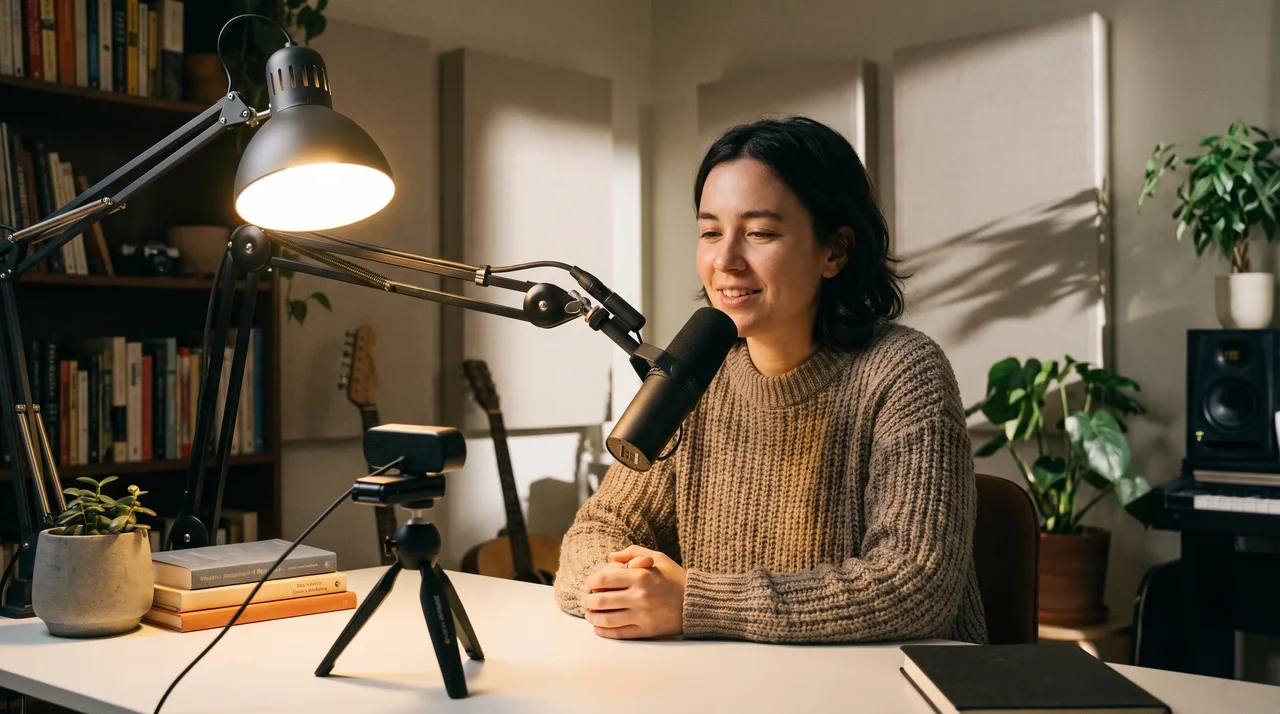
- [ ] Record video even if you publish audio. A simple webcam or phone capture of each speaker does the job. You can always drop to audio only, but you can't add video you never shot.
- [ ] Light your face. A window or a cheap key light turns an unusable crop into a clean one.
- [ ] Use separate audio tracks. Record each mic to its own track and cleanup and clipping get far easier.
- [ ] Frame for vertical. Keep heads centred and leave headroom so a 9:16 crop doesn't lop off foreheads.
- [ ] Note timestamps live. When a great line lands, jot the time. Future-you saves 20 minutes of scrubbing.
Already recording remotely with a tool like Riverside, Zencastr or SquadCast? Local video capture is usually one toggle. Turn it on.
Step 1: Find the clippable moments
Not every minute earns a clip. You're hunting for self-contained moments that make sense with no context. The good ones share a few traits:
- A strong hook in the first three seconds: a surprising claim, a question, a bold opinion.
- A complete thought that resolves in 15 to 60 seconds.
- Emotion or energy — laughter, a hot take, a vulnerable admission.
- A practical tip someone could screenshot or act on.
Scan your transcript for these. Most editing tools generate a transcript automatically now, and reading beats re-listening by a mile. Mark 5–10 candidates per episode. You won't publish all of them, and that's fine.
A quick scoring trick
For each candidate, ask: Would this make a stranger stop scrolling? If you hesitate, cut it. One great clip does more for your channel's momentum than five mediocre ones.
Step 2: Choose your clip format
Three formats are common for turning podcast to video, and each takes a different amount of effort. Pick based on what you actually shot.
| Format | What it is | Best when | Effort |
|---|---|---|---|
| Audiogram | Static or animated image with a moving waveform and captions | You only have audio | Low |
| Talking head | Cropped video of the speaker(s) with captions | You recorded video | Medium |
| Hybrid | Video cuts between speakers plus captions and B-roll | You want maximum polish | High |
If you're audio-only, start with audiogram clips. If you have footage, start with simple talking-head crops. Don't jump to the hybrid format until you've shipped a dozen simpler clips.
More on audiogram clips
Audiogram clips are the entry point for audio-first shows. They pair your episode art or a branded background with an animated waveform that pulses to the audio, plus burned-in captions. They work because the motion and text give the eye something to track even with no face on screen.
Keep audiograms clean: one readable font, high contrast, your show name in a corner, captions filling the lower third. Skip the urge to pile on five animations. The waveform and captions already do the work.
Step 3: Crop, caption and brand
This is where most of the editing time goes, so build a template once and reuse it forever.
- [ ] Export vertical (9:16) first. It's the native ratio for Reels, TikTok and Shorts. Repurpose to square later.
- [ ] Burn in captions. About 80% of social video is watched on mute. No captions, no views. Auto-captions are fine, but always proofread names, jargon and numbers.
- [ ] Style captions for your brand. Pick one font, one highlight colour, and keep lines to two at a time.
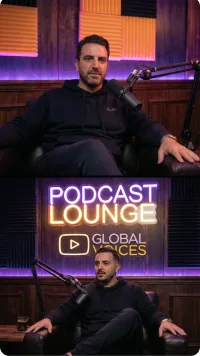
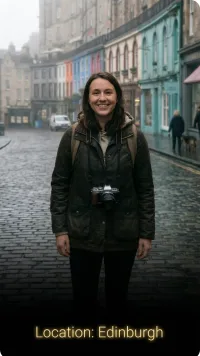
- [ ] Add a header. A short title bar up top ("The one hiring mistake founders make") gives context and boosts watch time.
- [ ] Tighten the edit. Cut filler, dead air and long "umms." A clip should feel punchy, not real-time.
- [ ] Brand it lightly. Logo or handle in a consistent spot so clips read as yours.
Good rule: within three seconds of pressing play, the viewer should know what the clip is about, before any caption even finishes.
Step 4: Write the post around the clip
The clip is the product; the post is the packaging. A great clip with a lazy caption underperforms every time.
- Hook line. The first line of your caption should restate the clip's promise or tease the payoff.
- Context. One or two sentences naming the guest and episode.
- Call to action. Point people to the full episode — once, and specifically ("Full episode linked in bio" beats "check out the podcast").
- Hashtags and keywords. A few relevant ones aid discovery on Instagram and TikTok; on YouTube, put keywords in the title and description instead.
For podcast repurposing to scale, batch these captions too. Draft all your clip copy in one sitting while the episode is fresh in your head.
Step 5: Match the clip to the platform
The same clip rarely performs identically everywhere. Small tweaks matter.
| Platform | Best length | Ratio | Note |
|---|---|---|---|
| TikTok | 15–60s | 9:16 | Front-load the hook; trends reward energy |
| Instagram Reels | 15–60s | 9:16 | Captions essential; cover frame matters |
| YouTube Shorts | up to 60s | 9:16 | Keyword-rich titles help the search engine |
| 30–90s | 9:16 or 1:1 | Insight and tips outperform entertainment | |
| X / Twitter | under 60s | 1:1 or 16:9 | Native upload beats linking out |
You don't have to post everywhere. Pick one or two platforms where your audience already hangs out, get good at those, then expand.
Step 6: Build a repeatable workflow
What separates podcasters who sustain video from those who burn out is systemisation. Once you've made a handful of clips by hand, turn the process into a checklist you run every episode.
EPISODE REPURPOSING CHECKLIST
[ ] Record video + separate audio tracks
[ ] Note timestamps of strong moments during recording
[ ] Generate transcript
[ ] Mark 5-10 clip candidates
[ ] Score and cut to top 3-5
[ ] Crop to 9:16 and apply caption template
[ ] Proofread captions
[ ] Add title bar + branding
[ ] Write caption + CTA for each clip
[ ] Schedule across chosen platforms
[ ] Log performance after 7 days
Schedule your clips instead of dumping them all at once. Spaced out, one episode can feed a week or two of content. That's the real win of repurposing: more output from the same input.
Let tools do the heavy lifting
Manual clipping is fine for your first few episodes, but it won't scale. Modern repurposing tools can transcribe an episode, surface likely clip-worthy moments, auto-generate captions, and apply a branded template in minutes. An afternoon of editing becomes a short review session where you approve suggestions instead of building everything from scratch.
Whatever you use, keep a human on the final cut. Tools are great at finding candidates and terrible at knowing which quote will land with your audience.
Common mistakes to avoid
- Posting clips that run too long. When in doubt, cut it shorter. Watch time percentage matters more than duration.
- Skipping captions. This is the single most common reason clips flop.
- No hook. If the first three seconds are a slow wind-up, viewers are already gone.
- Inconsistent branding. Clips that don't look related never build a recognisable channel.
- Treating it as one-and-done. Repost your best clips months later. Most of your audience never saw them the first time.
Your first week with video
No full overhaul needed to start. Here's a realistic on-ramp:
- Pick your most recent episode.
- Find three clippable moments.
- Make them as audiograms or simple crops with captions.
- Post one per platform over three days.
- Check which performed best after a week.
That feedback loop — make, post, measure, repeat — teaches you what your audience actually wants to watch. Moving from podcast to video isn't one project; it's a habit you build one clip at a time. Start with three, and let the results tell you where to go next.