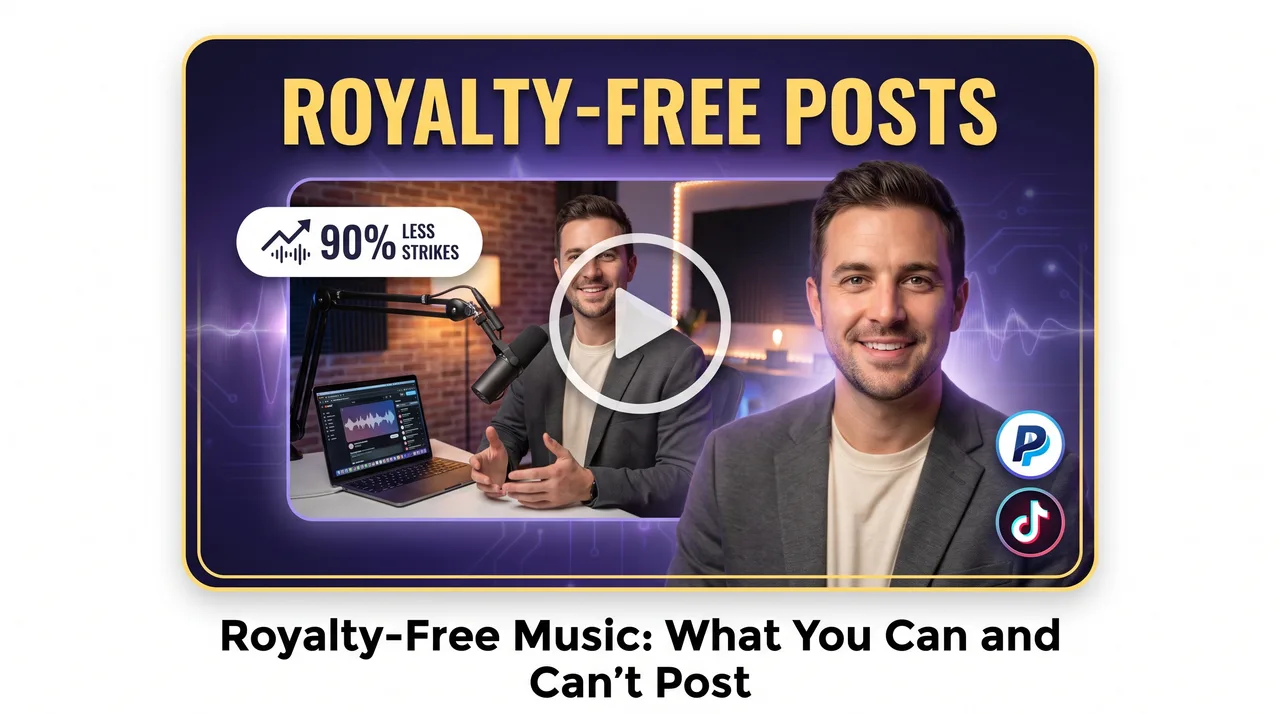
TL;DR: Royalty-free music means you pay once and owe no recurring royalties, though the track stays copyrighted and its license still calls the shots. You can post and often monetize it within those terms, but you can't go beyond the license scope, resell the audio, or claim ownership — always hold onto your license proof to fight false claims.
If you've ever posted a video and watched it get muted, demonetized, or slapped with a copyright claim, you already know how murky music licensing can be. Royalty-free music sounds like the escape hatch. But people misread the term all the time, and using it carelessly can still get you in trouble.
This guide sorts it out. You'll learn what royalty-free really means, what you're allowed to post, where the traps hide, and how to drop copyright-safe music into your clips without worry.
What "Royalty-Free Music" Actually Means
The name itself causes most of the confusion. Royalty-free music does not mean free of charge. It means you pay once (or agree to a subscription or license) and then owe no ongoing royalties each time the track plays or your video gets watched.
Traditional licensing is different. There you might owe a fee per stream, per broadcast, or per download. Royalty-free drops that recurring cost. The initial license terms still spell out exactly how you can use the track.
So "royalty-free" describes the payment structure, not a license to do whatever you want. What really matters is the license attached to each track.
Royalty-free vs. copyright-free
People mix these two up constantly:
- Royalty-free — The music is still copyrighted. Someone owns it. You've been granted a license to use it under specific rules.
- Copyright-free / public domain — The copyright has expired or been waived entirely. You can genuinely do almost anything.
Most music marketed to creators is royalty-free, not copyright-free. That difference is behind a lot of strikes.
What You Can Post
When you use properly licensed royalty-free music within its terms, you're generally clear to:
- Post to social platforms like Instagram, TikTok, YouTube, and Facebook without a copyright claim, provided the license covers social use.
- Monetize your content — as long as the license explicitly permits commercial or monetized use.
- Reuse the same track across multiple videos, if your license allows unlimited projects.
- Edit and trim the music to fit your clip, which almost every license permits.
- Keep your video live indefinitely without worrying about a per-view fee kicking in.
The key phrase is within its terms. A track from a reputable copyright-safe music library, downloaded under a valid license, is one of the safest things you can put in a video.
The license or receipt is your proof
Always save your license certificate, invoice, or download confirmation. If a platform issues a mistaken claim, this documentation is how you dispute it and win. No proof, no defense.
What You Can't Post
This is where creators get burned. Even with royalty-free music, you cannot:
Use a track outside its license scope
A license for personal YouTube videos may not cover paid ads, client work, or broadcast TV. Read the tier you actually bought. "One project" licenses mean one project — not your entire channel.
Assume free downloads are free to use commercially
Plenty of free tracks require attribution, ban monetization, or forbid use in ads. A Creative Commons license, for example, comes in several flavors — some rule out commercial use entirely.
Redistribute or resell the music
You can put royalty-free music in your video. You cannot upload the raw track, sell it, or offer it for others to download as a standalone file.
Claim ownership of the music
You licensed it; you don't own it. Registering someone else's track with a Content ID system — even accidentally — can trigger claims against other legitimate creators.
Ignore platform-specific rules
Even a perfectly licensed song can get flagged if the platform's automated system doesn't recognize your license. This happens often with tracks that other creators wrongly registered in Content ID.
Why You Still Get Copyright Claims on "Safe" Music
Nothing frustrates creators more: you did everything right and still got a claim. A few reasons this happens:
| Cause | What's happening | Your fix |
|---|---|---|
| Content ID false match | Automated system flags a track that sounds similar or was wrongly registered | Dispute with your license proof |
| Someone else registered it | Another user uploaded the royalty-free track to Content ID | File a dispute; libraries often help |
| Wrong license tier | You used a track beyond its permitted scope | Upgrade or remove the track |
| Expired subscription | Your license lapsed after you posted | Renew or replace the audio |
A claim is not the same as a strike. A claim usually just means the video may be monetized by the claimant or restricted in some regions. A strike is a formal copyright violation that can threaten your account. Disputing claims with valid documentation is routine — so keep those records.
How to Choose Copyright-Safe Music
Libraries aren't all equal. When you pick copyright-safe music for your clips, watch for these signals:
- Clear license terms written in plain language, not buried legalese.
- Commercial and social media use explicitly included if you monetize.
- Content ID protection or whitelisting — good libraries help you clear false claims fast.
- A license certificate you can download and store.
- Coverage for the platforms you actually use.
Reliable sources for creators
- Platform-native libraries — YouTube Audio Library and Instagram/TikTok in-app music (for non-commercial personal use) come pre-cleared for that platform.
- Subscription libraries — Epidemic Sound, Artlist, Soundstripe and similar services offer large royalty-free catalogs with clear creator licenses.
- Marketplace licenses — Sites like PremiumBeat or AudioJungle sell per-track licenses with defined scopes.
One caution on in-app platform music: those catalogs are usually licensed for personal, non-commercial use only. If you run a business account or monetize, you often can't use the commercial hit songs the app offers — stick to royalty-free tracks with a business license instead.
Video Music Licensing: A Practical Workflow
Getting video music licensing right doesn't have to be complicated. Follow this repeatable process for every clip:
1. Decide your use case first
Ask: Is this monetized? Is it an ad? Is it for a client? Your answer tells you which license tier you need before you pick a track.
2. Match the license to the use
Don't grab a personal-use track for a paid ad campaign. Confirm the license covers commercial use, the platform, and the number of projects.
3. Download and archive the license
Save the certificate and invoice in a dedicated folder, labeled by project. Future you will be grateful during a dispute.
4. Publish, then verify
After posting, check your platform dashboard for claims within 24–48 hours. Catching an issue early beats fixing it after thousands of views.
5. Dispute confidently when needed
If a false claim appears, submit your proof through the platform's dispute process. Legitimate licenses win these disputes routinely.
Quick Reference: Do's and Don'ts
DO:
- Read the exact license tier before using a track
- Save every license certificate and invoice
- Confirm commercial use if you monetize
- Use reputable royalty-free libraries
- Dispute false claims with your documentation

DON'T:
- Assume "free" means "free for commercial use"
- Use app-only music on a monetized business account
- Reupload or resell the raw audio track
- Register licensed music as your own
- Ignore claims that appear after posting
The Bottom Line for Creators
Royalty-free music is the most practical, affordable way to soundtrack your social clips without dreading a copyright strike — but only if you respect the license attached to each track. "Royalty-free" is a payment model, not a blanket permission slip.
Stick to reputable libraries, match the license to how you're really using the video, and keep your paperwork. Do that, and the occasional false claim becomes a two-minute dispute instead of a threat to your channel. Copyright-safe music is entirely doable — it just takes reading the fine print once so you don't pay for it later.