

Comparison

The Higgsfield AI alternative for the week after the shot

Higgsfield is about the shot: camera moves, presets, motion that looks directed rather than generated. It is better at that than we are, and we will say so first. What it does not do is the week that follows, where the shot becomes a vertical clip with captions, a post for each platform and a day on a calendar. Splicora is built for that half, and generates the shot too.

Free plan · No credit card · Works in the browser

At a glance

Camera motion presets
SplicoraNo preset library. Smart Shot turns one idea into several angles instead
HiggsfieldYes, and this is the reason to choose it
Clipping from a recording
SplicoraYes. Paste a link or upload a video and get scored clips
HiggsfieldNo. A long recording is not an input it takes
Native publishing
Splicora10 platforms from one calendar
HiggsfieldNo. Download the file and post it yourself

Higgsfield checked November 2026 All 11 rows

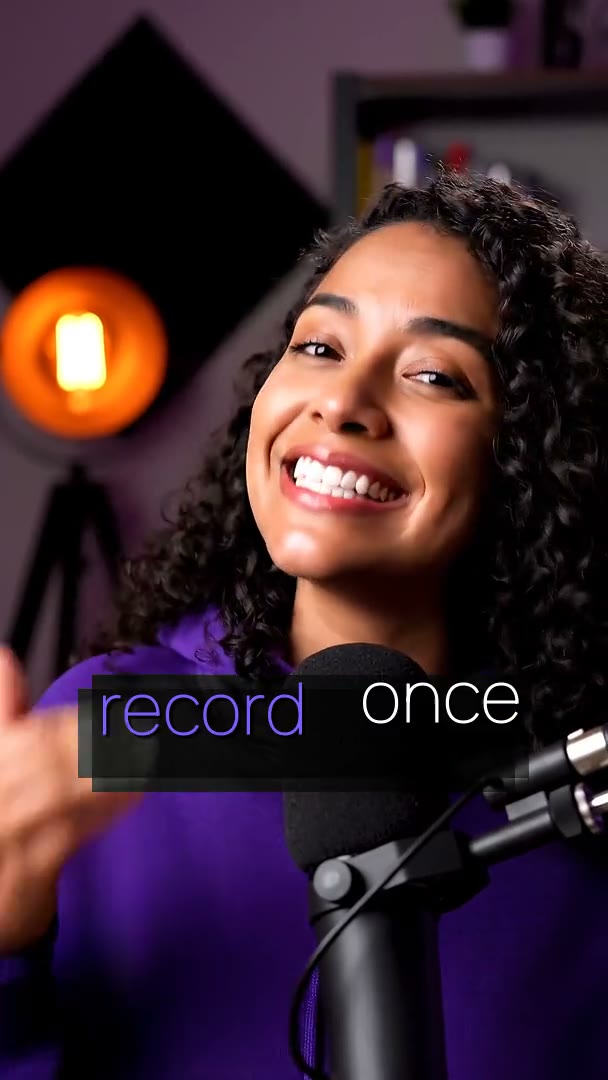
A finished short made in Splicora, compared with Higgsfield

Side by side

Splicora vs Higgsfield

Splicora’s column is taken from this product as it ships. The other column is public information checked in November 2026; prices and features change, so treat them as a starting point and confirm on their own site.

CapabilitySplicoraHiggsfield
Built for Taking an idea or a recording all the way to posted Cinematic shots, with direct control over camera motion
AI video from a prompt Yes Text to video and image to video, priced per second, up to 1080pYes And it is the heart of the product: motion presets and camera control it is known for
Camera motion presets No preset library. Smart Shot turns one idea into several angles insteadYes And this is the reason to choose it
AI image generation Yes Several models behind one prompt box, price per picture shown firstYes With an identity feature for keeping a face consistent
AI voice and voice cloning Yes Built-in voices, and a clone of your own with consent on record Speech features aimed at making a character talk
AI avatars Yes A character from your own photographs, animated and lip-synced, up to two minutesYes As part of the video product
Clipping from a recording Yes Paste a link or upload a video and get scored clips No. A long recording is not an input it takes
Animated captions 100 styles, word-level timing, custom presets, translation No
Native publishing 10 platforms from one calendar No. Download the file and post it yourself
Price shown before you spend Yes On every action, and the ledger shows what was taken A credit cost per generation, varying by model, with credits that expire
Free plan Yes 25 credits a month, no card Limited free access with a watermark, and the plan names have changed through November 2026

Verdict

If the deliverable is a shot and you care how the camera moves through it, use Higgsfield. Nothing here replaces that control. If the shot is one item in a week of posts that also needs clips, captions, writing and a schedule, Splicora does the whole week in one subscription and generates the shot at 1080p.

What Higgsfield does well

Higgsfield made its name on motion. Rather than hoping a prompt produces a camera move, you pick one, and the result looks directed. For anybody making an advert, a trailer-style cut or a piece where the camera is part of the idea, that control is the product, and a general-purpose prompt box does not match it.

Around that it has grown an image side with identity features for keeping a face the same across shots, and speech features for making a character talk. The pricing is in credits, the rates depend on the model, and credits expire on a schedule, which is worth reading before buying a large pack for a slow month.

Read more

The plan names and prices have moved more than once during November 2026, so its own pricing page is the only figure worth trusting. What has not changed is the shape: it ends at the file. There is no transcript, no captions, no writing and nothing that posts.
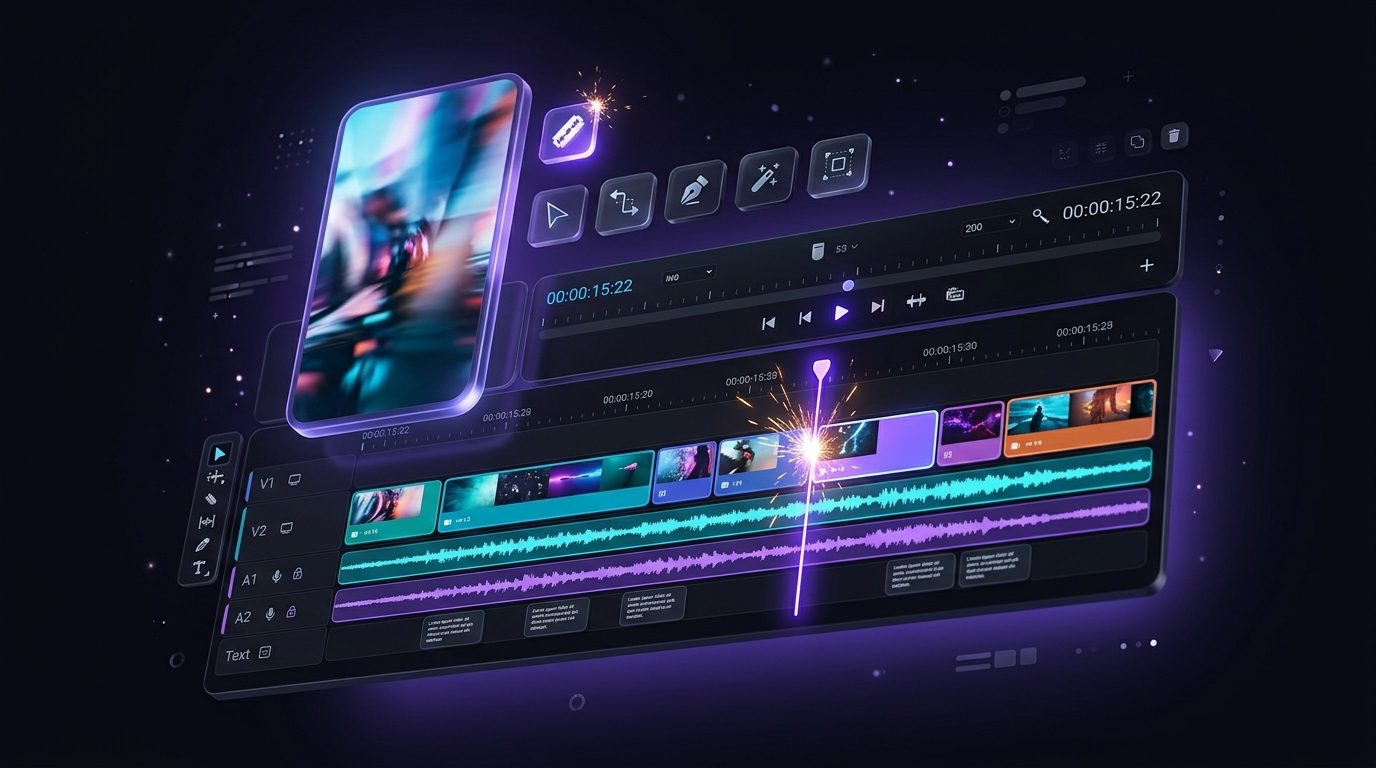
The Splicora editor, with a clip open

Where Splicora goes further

Splicora generates video from a sentence or from a still, priced per second and shown before you spend, and Smart Shot will take one idea and give you several angles of it to choose from rather than one take. That is a different thing from a camera-motion preset, and for a directed shot the preset wins.

What Splicora has instead is the pipeline on both sides of the shot:

Read more
  • A recording is an input. The clip generator reads a link or an upload, finds the moments and scores them.
  • Captions and a hook. Animated captions with word-level timing, and a voiced hook over the first few seconds.
  • A real editor. Multi-track timeline, waveforms, music, colour and speed, and a 4K export. See the video editor.
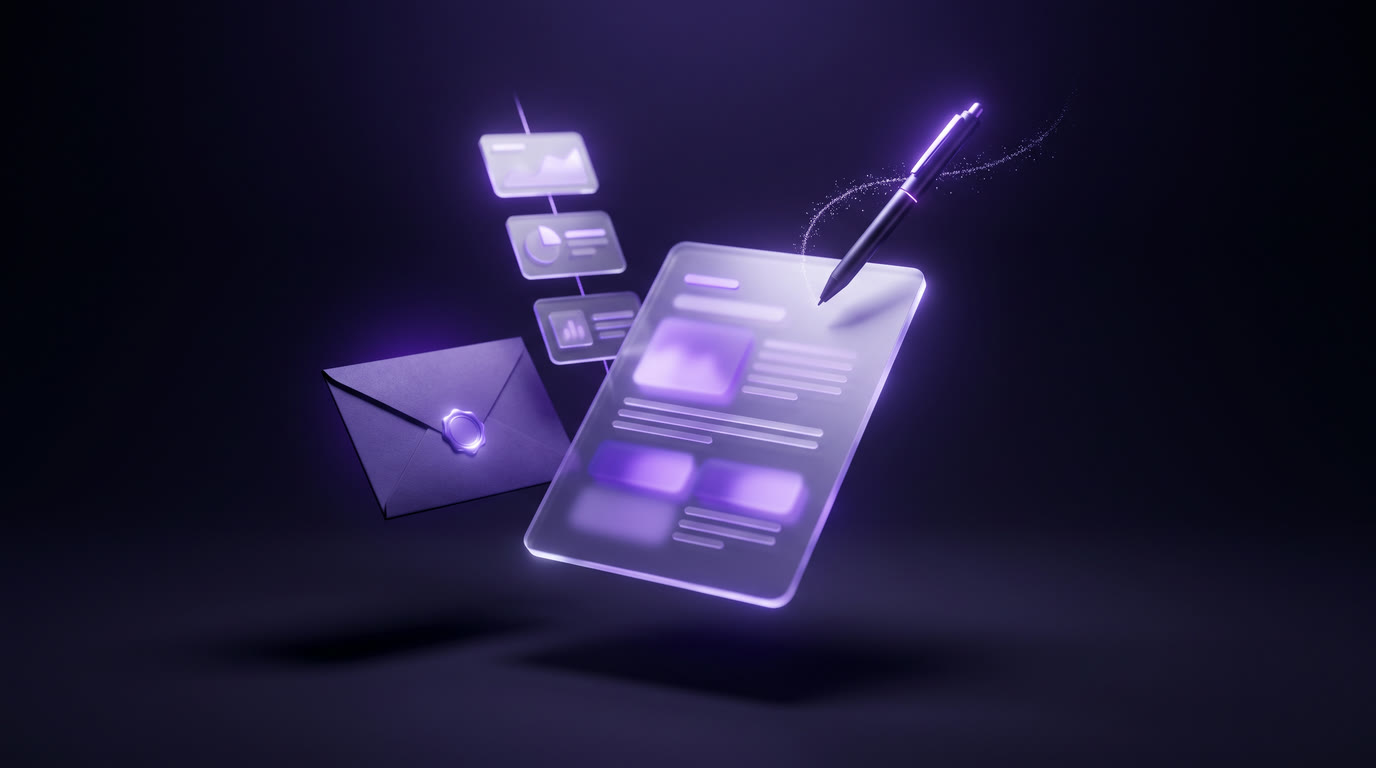
  • The writing. Blog post, newsletter, show notes, thread and per-platform captions in your brand voice.
  • Publishing. Native posting to 10 platforms from one calendar. See the scheduler.
  • Automations. A rule can watch a feed, produce the week and hold every post for review. See automations.

Resolution is worth being exact about, because it is the other place Higgsfield is ahead for some work: generation in Splicora goes up to 1080p today. The editor exports 4K, so footage you shot can leave at 4K, but a generated shot cannot.

Posts written from one recording, in a brand voice

Pricing, plainly

Splicora shows the price of an action before you take it and records what it took afterwards, so a month can be read off the ledger. Credits are shared across every tool, which means a month heavy on video and light on captions costs the same as the reverse. The Free plan is 25 credits a month with no card; Starter $19, Pro $39, Teams $79 add credits, storage, brand voices and team features. The pricing page has the whole table.

Credits in Splicora do not expire inside a month in a way that penalises a slow week, and a failed generation is refunded in full rather than counted. Those two details are worth comparing directly against whichever plan you are looking at, because they change the real cost more than the headline price does.

Using both

The sensible answer for a lot of people is both: direct the hero shot where the motion control is, then bring the file into Splicora as an upload and let the project take it through captions, a cover image, the posts and the calendar.

If you are consolidating, start from the recording side. Paste one video in, look at what a week of posts becomes, and generate the two or three shots that week needs in the same place. There is nothing to migrate, and the help centre covers the workflow step by step.

FAQ

Questions people ask.

No. Smart Shot gives you several angles of one idea to choose between, which is a different tool. If you want to direct the camera move itself, Higgsfield is the better product for that shot.

Not today. Generation goes up to 1080p. The editor exports 4K, so a recording you made can leave at 4K, but a generated shot cannot.

The honest answer is that it depends on what you make, and that both meter in credits. What Splicora guarantees is that the price of each action is shown before you spend it and a failure is refunded in full. The Free plan is 25 credits a month with no card.

No. It produces files. Splicora publishes natively to 10 platforms from one calendar on every plan, including YouTube, TikTok, Instagram, Facebook, LinkedIn, X, Pinterest, Threads, Bluesky and Snapchat.

Yes. Upload the MP4 and it behaves like any other footage: captions, a hook, an edit in the timeline, and a slot on the calendar.

Run the same video through Splicora.

Paste the link you were about to clip elsewhere. Compare the clips, the captions and the publishing side by side. Free, no card.

We use cookies for analytics. Necessary cookies always run. Cookie Policy