Faceless channels

A faceless channel, from one sentence to a scheduled short

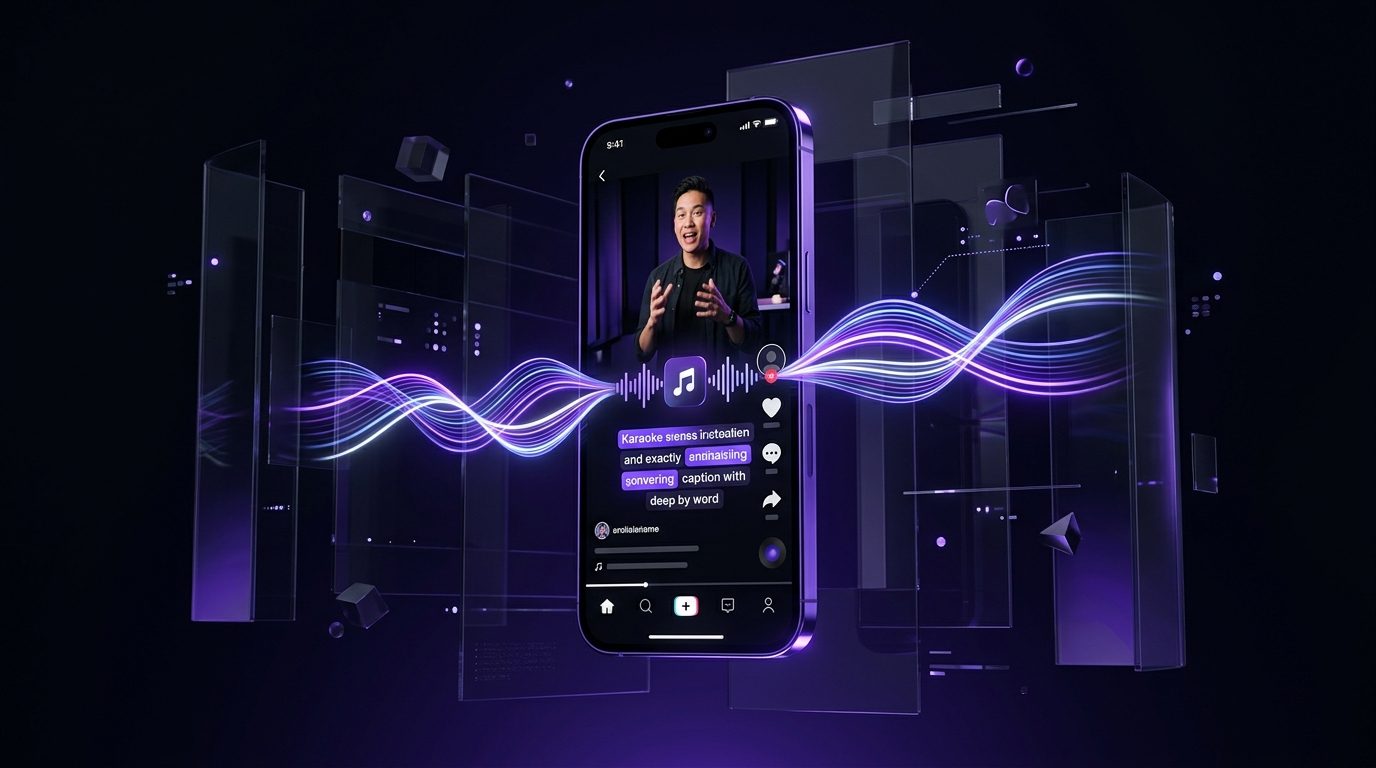
Type the topic. Splicora writes the script, reads it in a voice you picked or cloned, finds or generates the footage, cuts it to the beat, captions it and schedules it to every platform you connected. You approve, it posts.

Free plan · No credit card · Works in the browser

Splicora for faceless channels in Splicora

What you get

Splicora for faceless channels, in practice

Script from a topic

The writer drafts in your channel's voice rather than in a generic one, from a brand voice profile built out of scripts you have already published.

A voice that is yours or ours

Clone your own from a minute of audio with consent recorded, or pick from the built-in library. The multilingual voices read 30 languages, so the same script can go out twice.

Footage without a camera

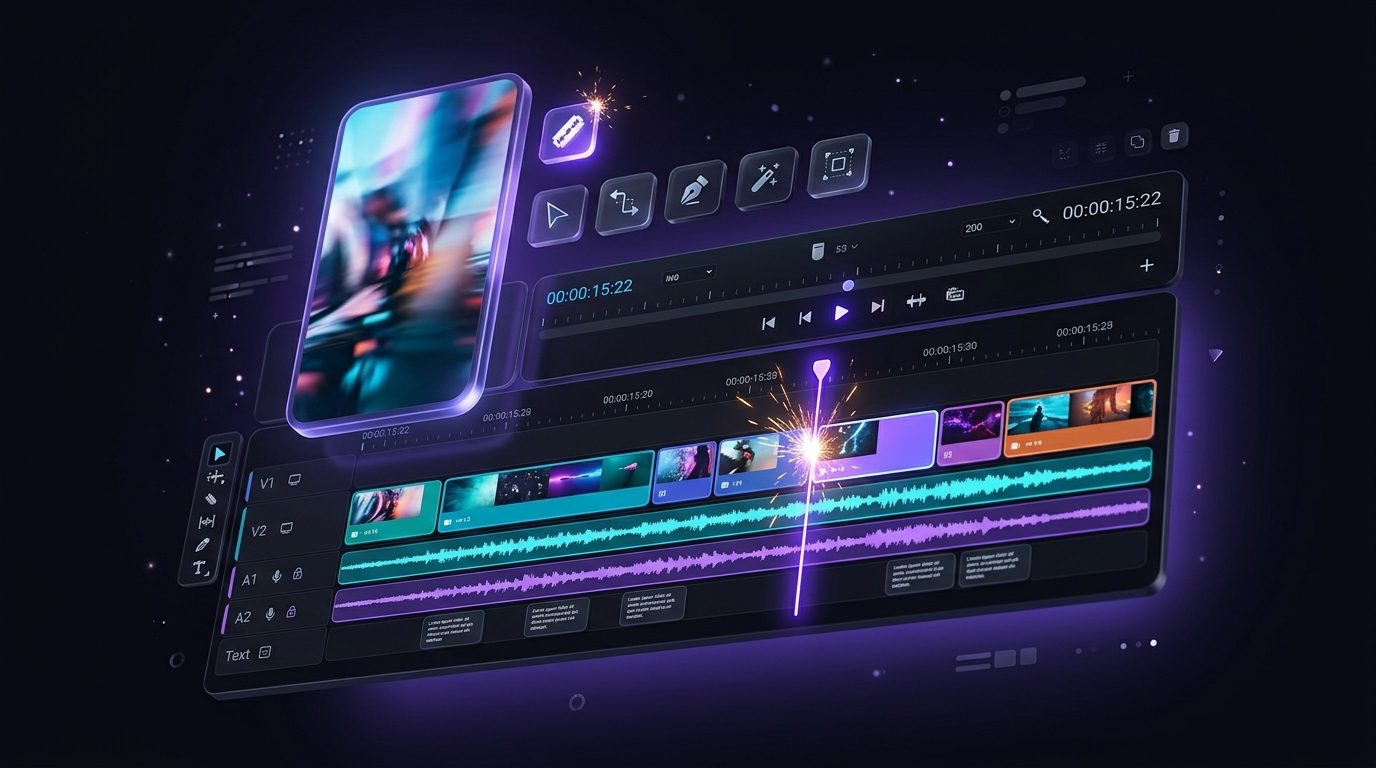
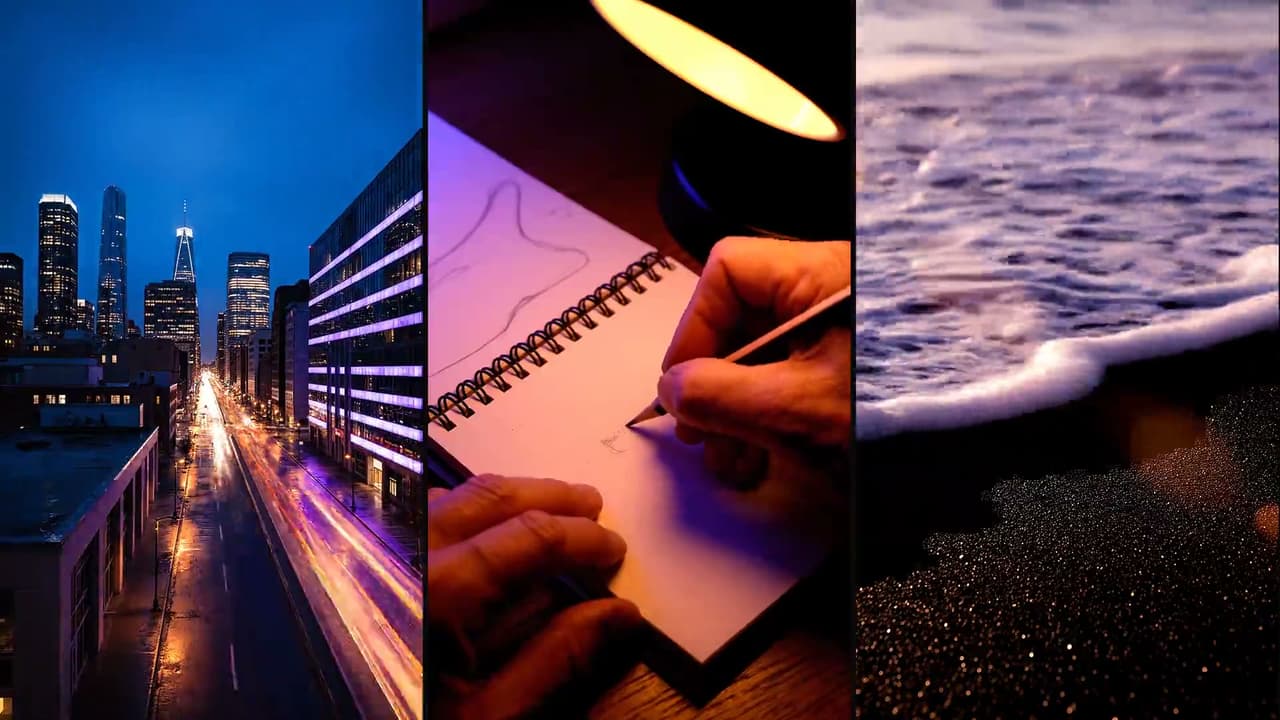
Stock clips matched to the script, video generated from a sentence, or stills animated into movement, cut to the beat of the narration.

Post on a schedule you set

One calendar, 10 platforms, your time zone. Nothing goes out until you approve it unless you turn that off.

One week, one source

One topic: five mistakes new runners make, and what comes out of it.

One topic: five mistakes new runners make

One topic: five mistakes new runners make

Why faceless channels stall, and what Splicora takes off your plate

A faceless channel is simple to describe and tedious to run. Every short is a script, a voice-over, footage that matches what is being said, a music bed, captions, a cover and a post on three or four platforms. None of those is hard. All of them together, four times a week, is a part-time job, and the part that goes first is consistency: the channel that posted daily in month one posts twice in month three.

The usual answer is a stack. A writing tool, a voice tool, a stock library, an editor, a captions app and a scheduler, with a download and an upload between each pair. The work is not the generating, it is the carrying.

Read more

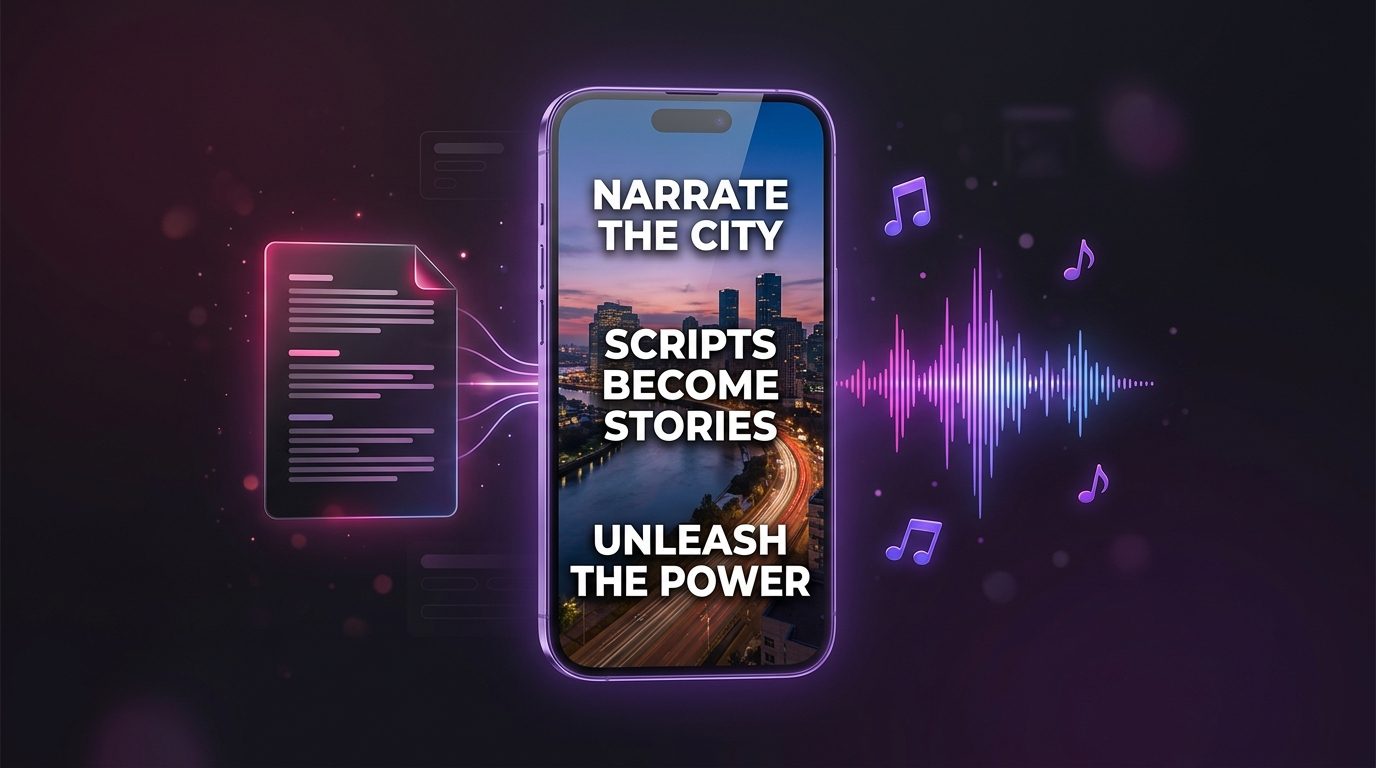
Splicora is the one project. A topic goes in, and the script, the voice, the footage, the music, the captions and the cover all land in the same place, already attached to each other, with the calendar at the end of it. Nothing is exported in the middle.

Why faceless channels stall, and what Splicora takes off your plate

The daily loop, in minutes

The shape of a day on a faceless channel looks like this:

  1. Give the faceless video generator a topic or paste a script you wrote yourself.
  2. Pick the voice. The built-in ones are free to use; a clone of your own costs nothing to make and reads anything at 1 credit a minute.
  3. Let it find the footage, or generate the shots you cannot find with the video generator.
  4. Add captions in your saved preset and a hook over the first few seconds.
  5. Send it to the calendar and approve the week.

What that leaves you doing is choosing the topics and reading the result before it goes out, which is the part that actually needs you.

The daily loop, in minutes

Faceless Reels, Shorts and TikToks: keeping a channel consistent

A channel is a promise about what the next video will be like. Four things hold that promise in Splicora, and each one is set up once:

  • A brand voice. Paste a few scripts you are happy with and the brand voice profile learns the tone, the vocabulary and the words you never use. Every script after that is written inside it.
  • A caption preset. Your font, your colours, your emphasis style, saved and reused rather than rebuilt per video.
  • A brand kit. Fonts and colours applied to covers and quote cards, included from Starter $19 upwards.
  • A character. If the channel has a recurring presenter or mascot, a saved character keeps the same face across every clip it appears in.
Read more

Pro $39 carries 10 brand voice profiles, which is enough to run several channels in different tones from one account without any of them bleeding into the others.

Faceless Reels, Shorts and TikToks: keeping a channel consistent

Automations: a feed that posts itself, held for review

Once the loop is working, an automation can run it. A rule watches a source you name, produces the week the way you set it up, and puts every post in a queue.

What a rule does with that queue is your choice, and the honest default is the cautious one: every post is held for review and nothing publishes until somebody says yes. Turn that off and it schedules straight to the calendar. A channel that posts unseen is a channel that publishes its first bad take at three in the morning.

The rule also tells you when it has produced something, so the queue is not a page you have to remember to open.

Automations: a feed that posts itself, held for review

What a week of shorts costs on Pro

Every action is priced before you run it and the ledger afterwards says what was taken, so a month is read rather than estimated. The prices that matter to a faceless channel:

  • A narrated short: 6 credits, plus 4 credits a minute of narration.
  • Captions: 2 credits a clip. A hook: 1 credit. A cover: 3 credits.
  • A music bed: 1 credit a minute.
  • Generated video: from 1 credit a second, so a 10 second shot at the cheapest rate is 10 credits.
  • A voice clone: free to make, 1 credit a minute to read. Reading a script with a built-in voice is 1 credit a minute.
  • The written half: 3 credits for a blog post, 1 credit for a thread.
Read more

Pro $39 is 500 credits a month. Five shorts a week with captions, a hook, a cover and the written pieces lands comfortably inside that, and the pricing page has the whole table if your week looks different.

What a week of shorts costs on Pro

Questions

The things people ask first.

Yes, and the brand voices are what keep them apart: Pro $39 includes 10 profiles, so each channel can have its own tone, vocabulary and words to avoid. Connected accounts are per workspace, and Pro $39 carries 3 workspaces if you want the projects separated too.

No. Stock clips are matched to the script on every plan, and anything the library does not have can be generated from a sentence or animated out of a still. Your own footage works too if you have it.

Yes. An automation can produce the week and schedule it. By default every post is held for your approval first, and that is the setting worth leaving on until you trust what the rule is making.

The built-in voices are current text to speech rather than the old kind, and a clone of your own voice is closer still: free to make, 1 credit a minute to read, from a minute of you speaking with the consent recorded. Listen to a few before you commit a channel to one.

A narrated short is 6 credits plus 4 credits a minute of narration, and captions, a hook and a cover add 6 credits between them. The price of each is shown on the button before you press it.

Most faceless channels start on Pro at 39 a month. See what each plan includes.

Also in Splicora

You do not have to start with a recording.

The same workspace generates images, video, voices and avatars from a sentence, with the price of each shown before you spend a credit. Whatever it makes lands in the project beside the clips, captions and posts, ready for the same scheduler.

Start with what you have.

A link, an upload, or a sentence. Every price is shown before you spend a credit.

We use cookies for analytics. Necessary cookies always run. Cookie Policy