Start from the feed, not from a file
Most podcast tools start by asking for an upload, which means finding the export, waiting for it and doing that again next week. Splicora takes the feed. Paste the RSS URL on My projects, pick the episode from the list it reads back, and the project is created from the episode's own media file.
The feed is also what makes the next one automatic. An automation can watch a podcast feed and start a project whenever a new episode appears, with the clips, the captions and the written pieces already asked for. Every post it produces can be held for your review rather than published, so "automatic" means the work is waiting for you rather than already live.
Read more
A YouTube link or a direct upload works exactly the same way if your episode lands there first. MP4, MOV, WebM and AVI are all accepted, as are the usual recording tools' share links.
Audio-only episodes, honestly
If your show is audio, be clear about what comes out. The transcript, the show notes, the newsletter, the thread and the per-platform posts all work from audio exactly as they do from video, and the audio enhancer cleans up noise and levels on the episode itself.
What audio cannot give you is a video clip of somebody talking, because there is no picture to cut. For something to post as video, the faceless video generator narrates a passage over stock footage and captions, which is a different thing from a clip of the episode and reads as one.
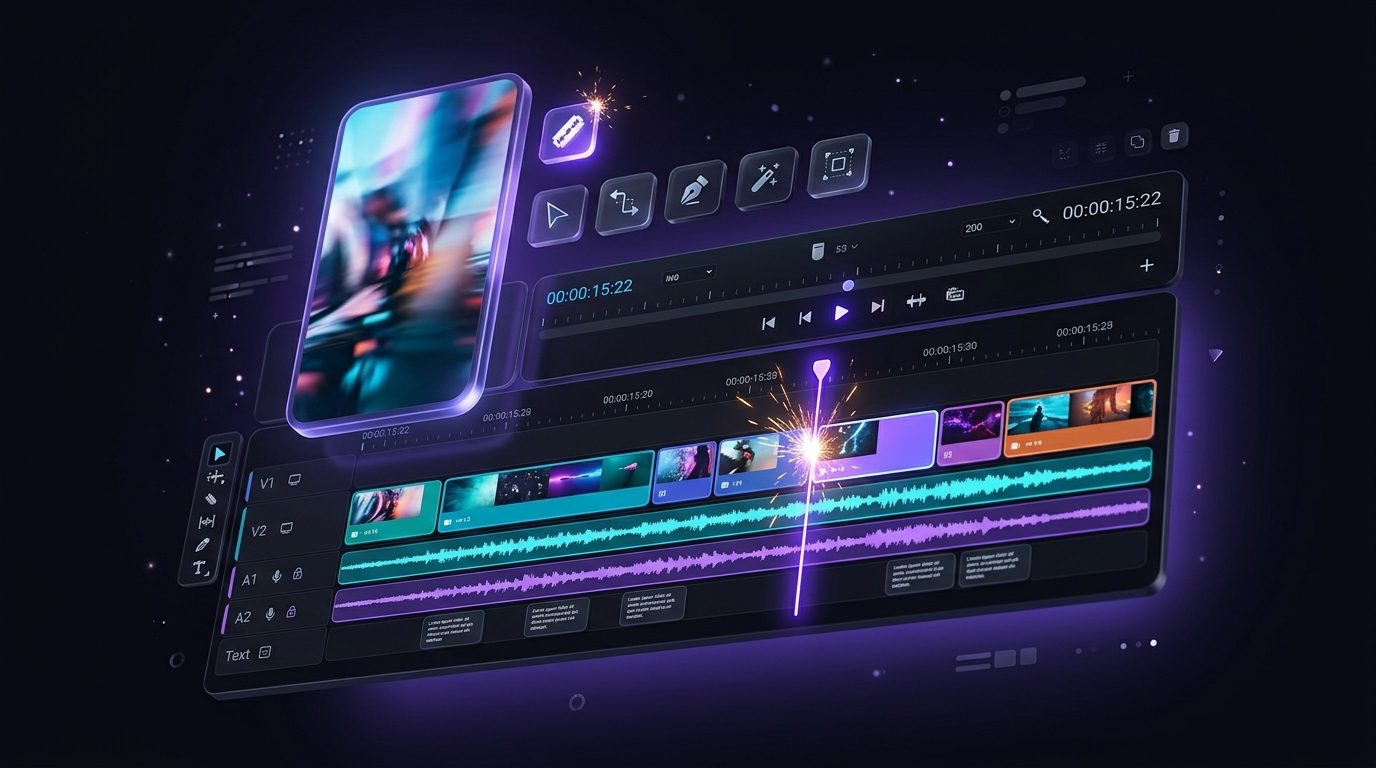
Shows that film the conversation get both halves. If you are recording video for YouTube already, the same file is the one Splicora clips, and the audio feed is still what the automation watches.
A week of posts, on a calendar
Everything an episode produces lands in one library and goes out through one calendar. Connect the accounts once and Splicora publishes natively to 10 platforms, which means the post appears as a post rather than as a link somebody has to tap through. Drag an item to a different day, pick a time, and the queue takes it from there.
Publishing an episode weekly is a schedule, and a schedule is the thing a calendar is for. Load the clips across the week, put the newsletter on the day you send it, and keep the two or three clips that did not make the cut in the library for the week you record nothing.
Read more
The scheduler covers the calendar, the queue and what happens when a platform rejects a post. The help centre walks through the clipping workflow step by step.