



Music

AI music generator: a bed made for this clip, cleared for every platform

Describe the mood and get a bed made for this clip rather than one borrowed from a library everyone else is using. It is cleared for commercial use, and it sits under your voice at the right level without you mixing it.

Free plan · No credit card · Works in the browser

AI Music Generator in Splicora

What you get

AI Music Generator, in practice

A bed made for this clip

Describe the mood, the pace and the instruments and get a track at the length you need, rather than trimming a library piece until it almost fits.

Cleared for commercial use

Generated audio is yours to publish, including on monetised channels and in client work. No attribution line and no copyright claim arriving a week later.

It sits under the voice

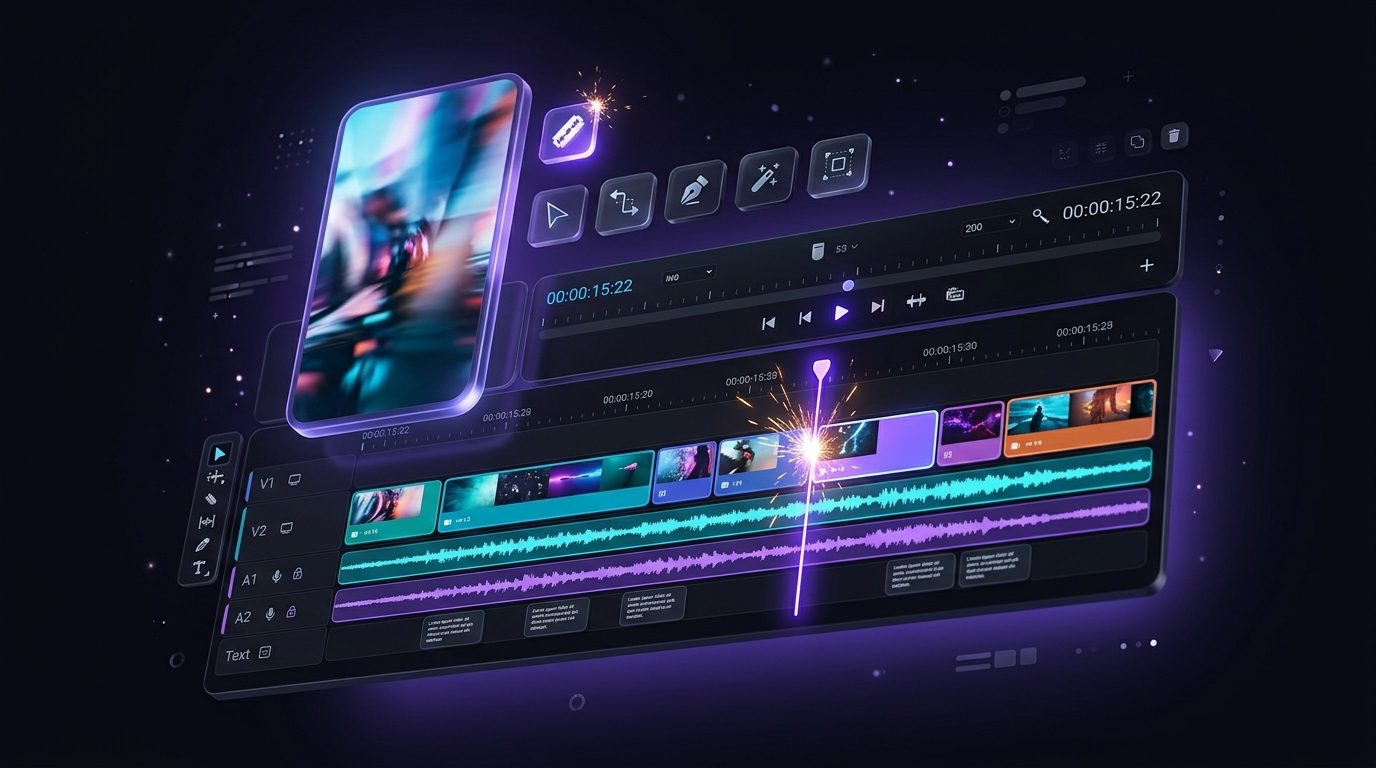
In the editor the bed is loudness-normalised and ducked under the narration automatically, so the words stay in front without you riding a fader.

How it works

From a mood to a mix.

  1. Say what it should feel like

    A sentence: the mood, the tempo, the instruments, what it is under. "Warm keys, slow, under a calm voiceover" is enough.

  2. Choose the length

    Music is priced per minute, so ask for the length the clip actually needs rather than a track you will cut down.

  3. Listen, and run it again if it is wrong

    The first bed is rarely the final one. Changing two words in the description changes more than you would expect.

  4. Drop it in

    Onto the timeline in the video editor, where it is levelled and ducked under the voice, or straight into a faceless short.

Generated music, and the beds that ship with the editor

Two different things, worth separating. The editor ships with a handful of ready beds that cost nothing, which is the right answer for a quick cut where the music is only there to stop the silence.

Generated music is for the piece where the bed does something: a mood that has to match the footage, a length that has to land on a cut, or a sound nobody else is using. It is 1 credit a minute of finished audio.

The description is what does the work. Name the instruments, the tempo and the feeling, and say what it is sitting under. A bed for a voiceover should be told that it is a bed for a voiceover.

Read more

If a cut needs punctuation rather than a bed, a whoosh on a transition or a thud under a caption, the editor's library has a small set of effects you place by hand, and they cost nothing.

Generated music, and the beds that ship with the editor

Clearance, in plain terms

Music you did not make is the most common way a video gets claimed, muted or taken down after it has already done well.

Audio generated here is cleared for commercial use. You can publish it on monetised channels, use it in client work and keep using it after the subscription ends. There is no attribution line to remember and no library licence to renew.

What this does not do is clear anything else. A song you added from elsewhere is still that song, and a recording of somebody else playing one is still theirs.

Clearance, in plain terms

What it costs

Music is 1 credit a minute of finished audio, so a thirty-second bed is half of that.

The beds bundled with the editor are free to use. The free plan includes 25 credits a month, which is enough to score several shorts before deciding anything, and a generation that fails is refunded. The pricing page carries every kind.

What it costs

Questions

The things people ask first.

Yes. Audio generated here is cleared for commercial use, including monetised video and client work, with no attribution line required.

As long as you ask for. It is priced per minute of finished audio, so a longer bed costs proportionally more.

Yes. On the editor timeline the bed is loudness-normalised and ducked under the narration automatically, so the words stay in front.

The editor ships with a few ready beds that cost no credits. Generated music is for when the bed has to match the piece rather than merely fill the silence.

Also in Splicora

You do not have to start with a recording.

The same workspace generates images, video, voices and avatars from a sentence, with the price of each shown before you spend a credit. Whatever it makes lands in the project beside the clips, captions and posts, ready for the same scheduler.

Start with what you have.

A link, an upload, or a sentence. Every price is shown before you spend a credit.

We use cookies for analytics. Necessary cookies always run. Cookie Policy