

Voice

AI voice generator: your script, read in your voice or one of ours

Paste a script and hear it read in under a minute, in any of 30 languages. Clone your own voice from a short recording, with your consent recorded, and use it to narrate faceless shorts, voice avatars and read every script you write here.

Free plan · No credit card · Works in the browser

AI Voice Generator in Splicora

What you get

AI Voice Generator, in practice

30 languages

The multilingual voices read the same script in any of them, so a short can go out in two languages without being recorded twice. Not every voice speaks every language, and the picker says which do.

Clone your voice from a minute of audio

60 seconds is the minimum and 3 minutes the most it will take. Read anything you like, in a quiet room, at the pace you actually speak.

Narrates everything

The same voice reads a faceless short, speaks through an avatar, voices a hook and reads any script in the editor. One voice across the channel rather than one per tool.

Priced per minute, shown first

1 credit to 2 credits a minute of finished audio, on the button before you press, and a read that fails is refunded.

How it works

From a script to a voice track.

  1. Paste or write the script

    Anything from one line to a full narration. The estimate updates as you type, because the price follows the length of the read.

  2. Pick a voice or clone yours

    Choose from the library, or record a minute of yourself once and use that from then on.

  3. Listen and adjust

    Play it back, change the speed, and break the script where you want it to breathe. Punctuation is what the pauses are made of.

  4. Use it

    Download the audio, or send it to a faceless short, an avatar clip or the editor, where it lands on the timeline with everything else.

What the voices sound like, and the Standard and Best tiers

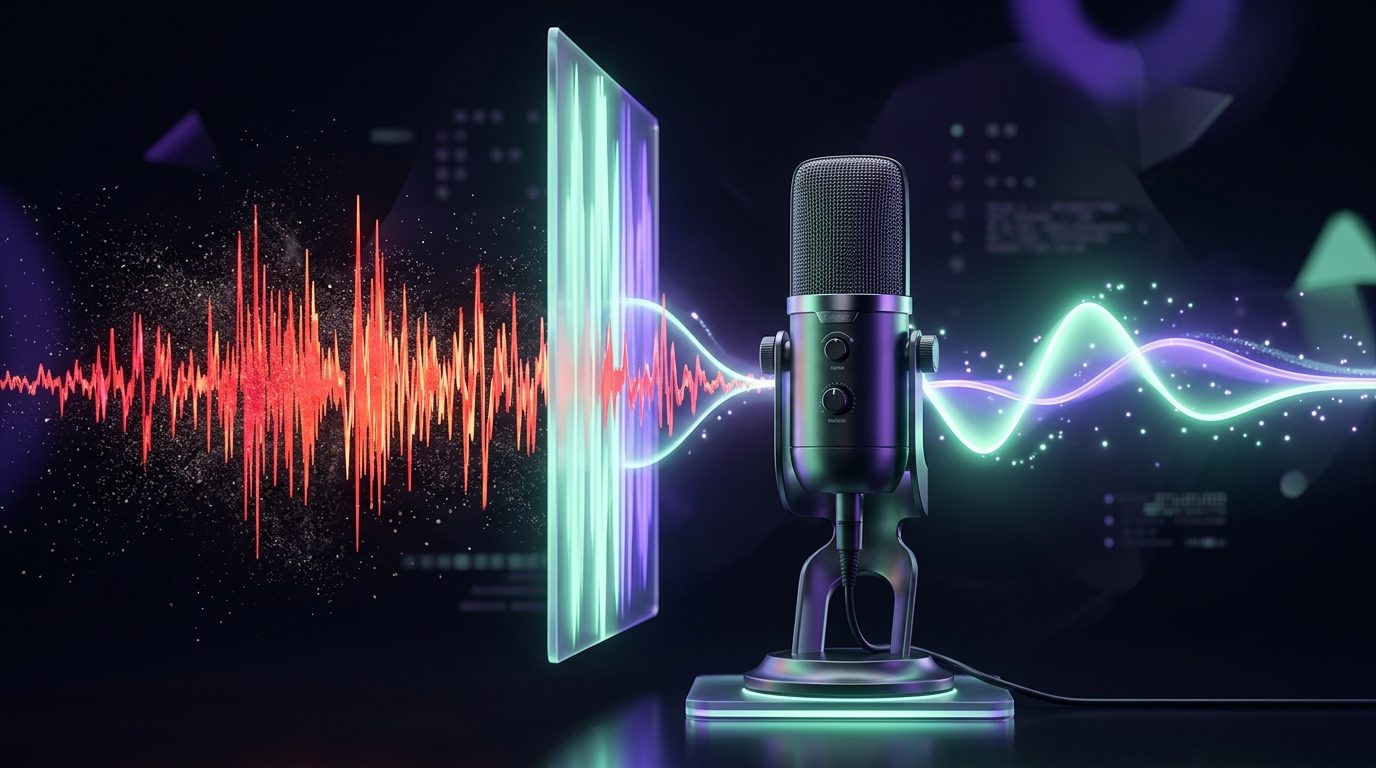
The library covers the reads a channel needs: a level narrator for an explainer, something warmer for a story, a brisk one for a hook. They are speaking voices rather than performances, which is what you want behind a clip.

Standard is 1 credit a minute and is the right default. It reads cleanly, it is quick, and under a video with music and captions the difference is rarely the thing a viewer notices.

Best is 2 credits a minute and is worth it when the voice is the whole thing: a narration with no music, a long read, or anything where a flat line would be heard as flat. It handles emphasis and the ends of sentences better.

Read more

The honest test is to generate the first twenty seconds on each and listen on a phone speaker, which is what most of the audience will use.
What the voices sound like, and the Standard and Best tiers

AI voice cloning: what we need and what we record

A clone needs 60 seconds of you speaking, and takes up to 3 minutes if you want to give it more. Record it in the app or upload a file. A quiet room and your normal speaking pace are worth more than an expensive microphone.

There is no charge to make the clone. It is a voice in your list, and a read in it is 1 credit a minute, shown before you press.

One voice only: your own, or one belonging to somebody who has agreed in front of you. The tool is built for a person cloning themselves, and the consent record is the reason it can make that promise.

Read more
  • Consent is recorded, not ticked. The confirmation, the moment it was given and who gave it are stored with the sample, and the act goes to the audit log. A box nobody keeps is theatre.
  • The sample is kept before the clone is made, so the record points at the recording that was consented to.
  • It is yours. The clone belongs to your workspace. It is not added to a public library and it is not used to train anything.
  • Delete it whenever. Removing the clone takes the voice out of your list and the sample with it.
AI voice cloning: what we need and what we record

Languages and accents

The multilingual voices read 30 languages. Paste a script in the language you want and the voice reads it. There is no translation step inside this tool, and nothing is translated for you here.

To go from one language to another, translate the captions in Clips, which does the translating, then read the translated script here. Keeping the two jobs apart is what stops a bad translation being voiced confidently.

Accents come with the voice rather than being a setting. Pick the voice whose accent you want and the whole read carries it. A cloned voice keeps yours, accent included, which is usually the reason to clone one.

Languages and accents

Where the voice goes next

A voice track on its own is not a post. Everything here hands it to the thing that uses it.

  • A faceless short. The faceless video generator narrates the script, finds footage per beat and times the captions to the words.
  • An avatar. A talking-head clip lip-syncs your character to this voice, so the presenter sounds like you.
  • A hook. The hook generator writes the opening line and voices it to drop on the front of a clip.
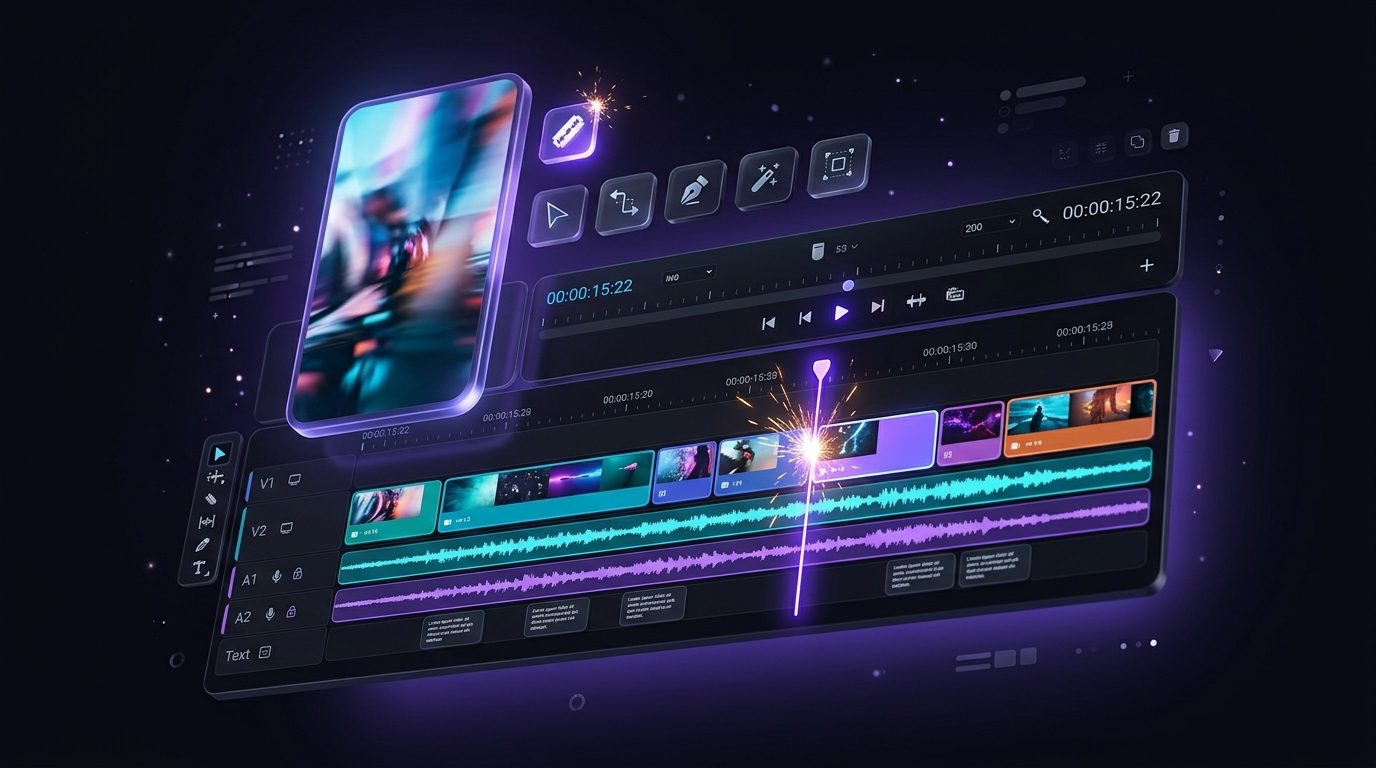
  • The editor. The track lands on the timeline in the video editor with the footage and the music.
Where the voice goes next

What it costs

A read is 1 credit to 2 credits a minute of finished audio, so a thirty-second narration is half of that. Making a clone costs nothing, and a read in your clone is 1 credit a minute.

The free plan includes 25 credits a month with no card, which is enough to hear your own script in several voices before you decide anything. Credits are shared across every tool.

A read that fails costs nothing: the credits are reserved before the work and returned the moment it does not finish. The pricing page carries every kind side by side.

What it costs

Also in Splicora

The voice is one of four things you can make from nothing. The same workspace generates images from a sentence and edits them on a canvas, video from a sentence or a still, and avatars that keep one character across a series.

The other half starts from something you recorded: the clip generator finds the moments, captions make them work on mute, and the scheduler posts everything from one calendar.

Also in Splicora

Questions

The things people ask first.

Yes. Record or upload at least 60 seconds of yourself speaking, confirm it is your voice, and the clone is ready to use in minutes. Making it is free; a read in it is 1 credit a minute.

Only with their agreement, and the tool is built on the assumption that the person cloning is the person speaking. The confirmation, the moment and who gave it are recorded with the sample, which is what makes that promise worth anything. Cloning a public figure, or anyone who has not agreed, is not something this will help with.

30, through the multilingual voices. Not every voice in the library speaks all of them, and the picker shows which languages each one covers.

Yes, including in client work. A cloned voice is yours to use, and you are responsible for having the right to the voice you cloned.

Yes, whenever you like. Deleting the clone removes it from your voice list along with the sample it was made from.

Also in Splicora

You do not have to start with a recording.

The same workspace generates images, video, voices and avatars from a sentence, with the price of each shown before you spend a credit. Whatever it makes lands in the project beside the clips, captions and posts, ready for the same scheduler.

Start with what you have.

A link, an upload, or a sentence. Every price is shown before you spend a credit.

We use cookies for analytics. Necessary cookies always run. Cookie Policy