The thirty minutes after you stop recording
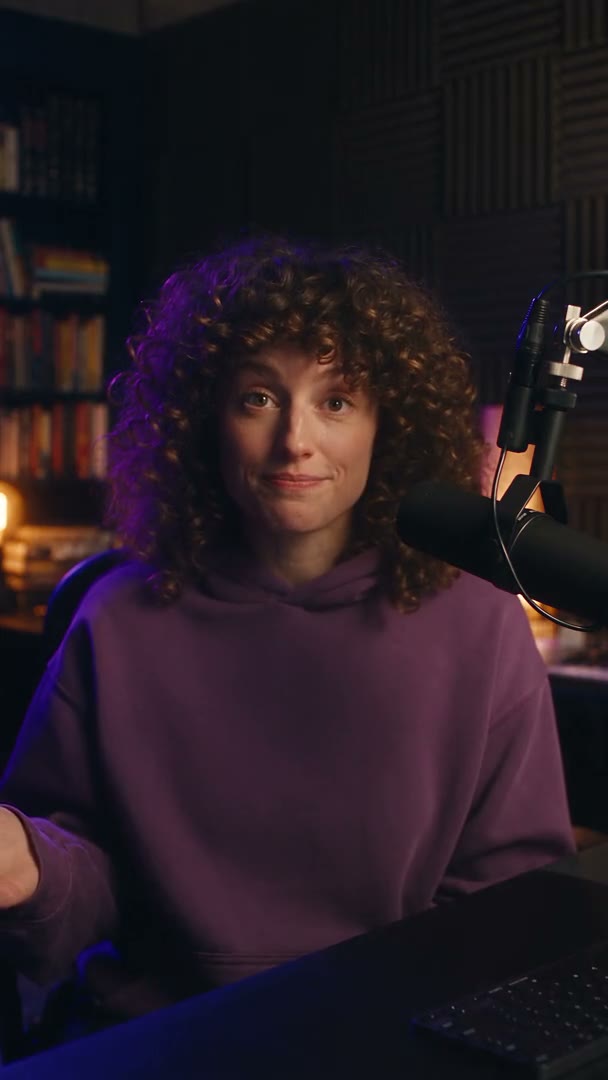
Filming a forty second clip takes forty seconds and two or three takes. What takes half an hour is everything after: typing the captions, timing them, writing an opening line that is better than the one you said, finding a cutaway for the ten seconds where you are just talking, cropping it square for one feed and wide for another, writing a different caption per platform, and uploading it four times.
None of that is the creative part. All of it is the part that decides whether you post four times this week or once.
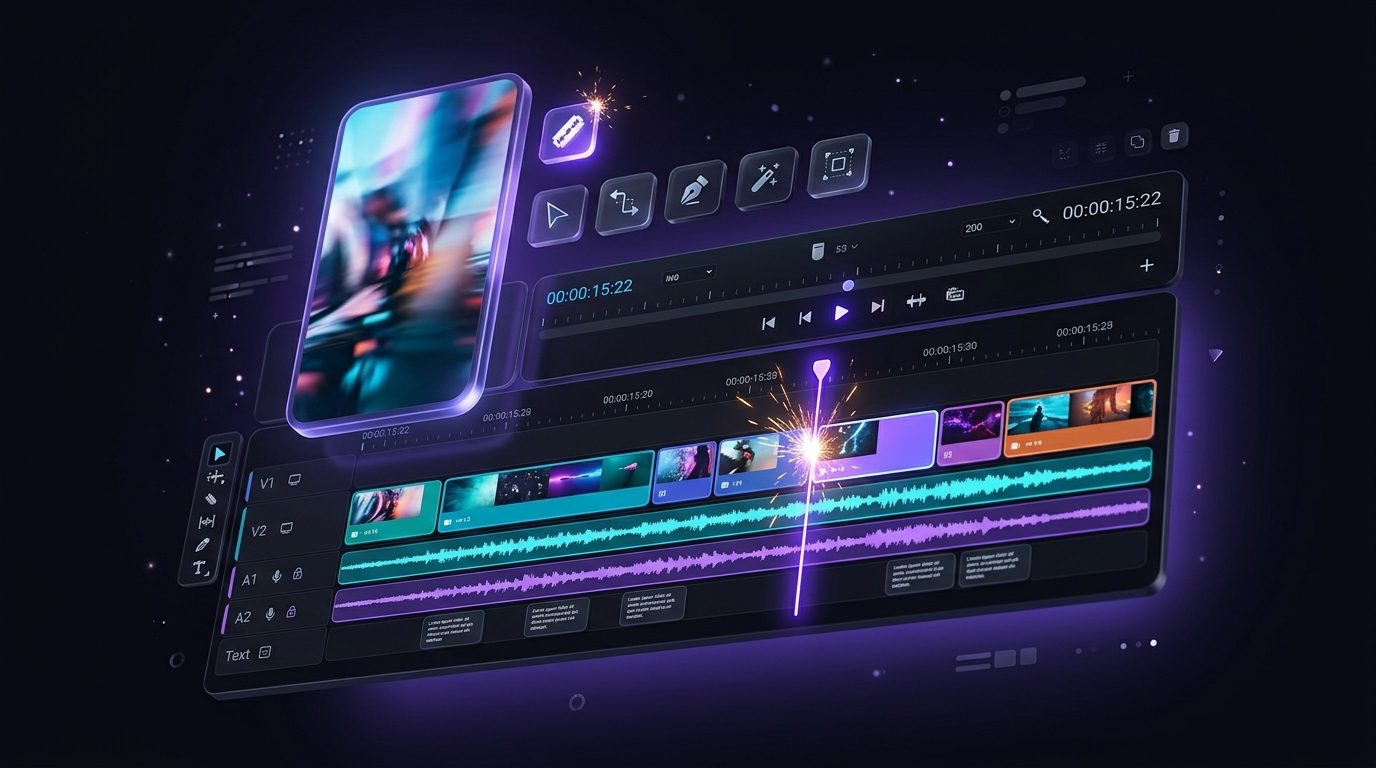
This page is about that half hour. Upload the clip you already shot and the rest of it is a review step rather than a work session.
Captions that look like yours, not like everyone's
Captions are the one thing a short cannot go out without, and the default styles are recognisable as defaults. The subtitle generator times them to the word rather than to the line, so emphasis lands where you said it, and it carries 100 animated styles with 20 of them free on every plan.
The part worth setting up once is a preset: your font, your colours, your emphasis treatment, saved and reused. After that every clip comes out looking like your channel without anybody choosing a style again.
Captions cost 2 credits a clip, and they translate into more than twenty languages if you post to an audience that does not all speak one.
Hooks, B-roll and the days you have nothing to film
The hook generator reads the clip and writes three openers from its own strongest line, at 1 credit each. You pick one, or you keep what you said. It is a shortlist rather than a replacement for you.
The B-roll generator matches cutaways to the transcript and places them where the shot is only your face, at 2 credits a clip.
Some days there is nothing to film. That is the other half of Splicora, and it is in the same project:
A week with four posts in it beats a week with one good one and three days of nothing, and this is how the gap gets filled without pretending you recorded something.
Read more
- Generated video from a sentence, priced per second from 1 credit and shown before it runs. See the video generator.
- Images for a cover or a quote card, at 1 credit to 2 credits each. See the image generator.
- A faceless short narrated over footage, at 6 credits plus 4 credits a minute. See the faceless video generator.
- A presenter built from your own photographs, for an announcement you do not want to film. See the avatar generator.
Posting to every feed without re-uploading five times
Connect the accounts once and the scheduler publishes natively to 10 platforms from one calendar. It is a real post on each one rather than a link somebody has to tap through, and each gets a caption written for it rather than the same sentence pasted five times.
The feeds do not agree on shape, which is what the reframe is for: one vertical clip becomes the square and the wide versions with the subject kept in frame, at 5 credits a run, so a clip shot for TikTok is not a letterbox on a feed that wants 1:1.
Everything lands on one week view. Drag a clip to a different day, pick a time, and the queue takes it from there.
What a month of shorts costs on Starter
Starter $19 is 50 credits a month, with the brand kit, the calendar, the analytics dashboard and watermark-free exports. Priced out for a clip you shot yourself:
- Captions: 2 credits. A hook: 1 credit. B-roll: 2 credits. A reframe: 5 credits.
- A cover image: 3 credits. A caption and hashtags: 1 credit.
- The whole finish on one clip: 14 credits, which is about four a week inside the allowance.
Every one of those prices is on the button before you press it. If the week is heavier than that, or you want clips with B-roll on the Clips analysis and thumbnail A and B testing, Pro $39 is 500 credits. The pricing page has both.