
Video

AI video generator: image to video and text to video, priced by the second

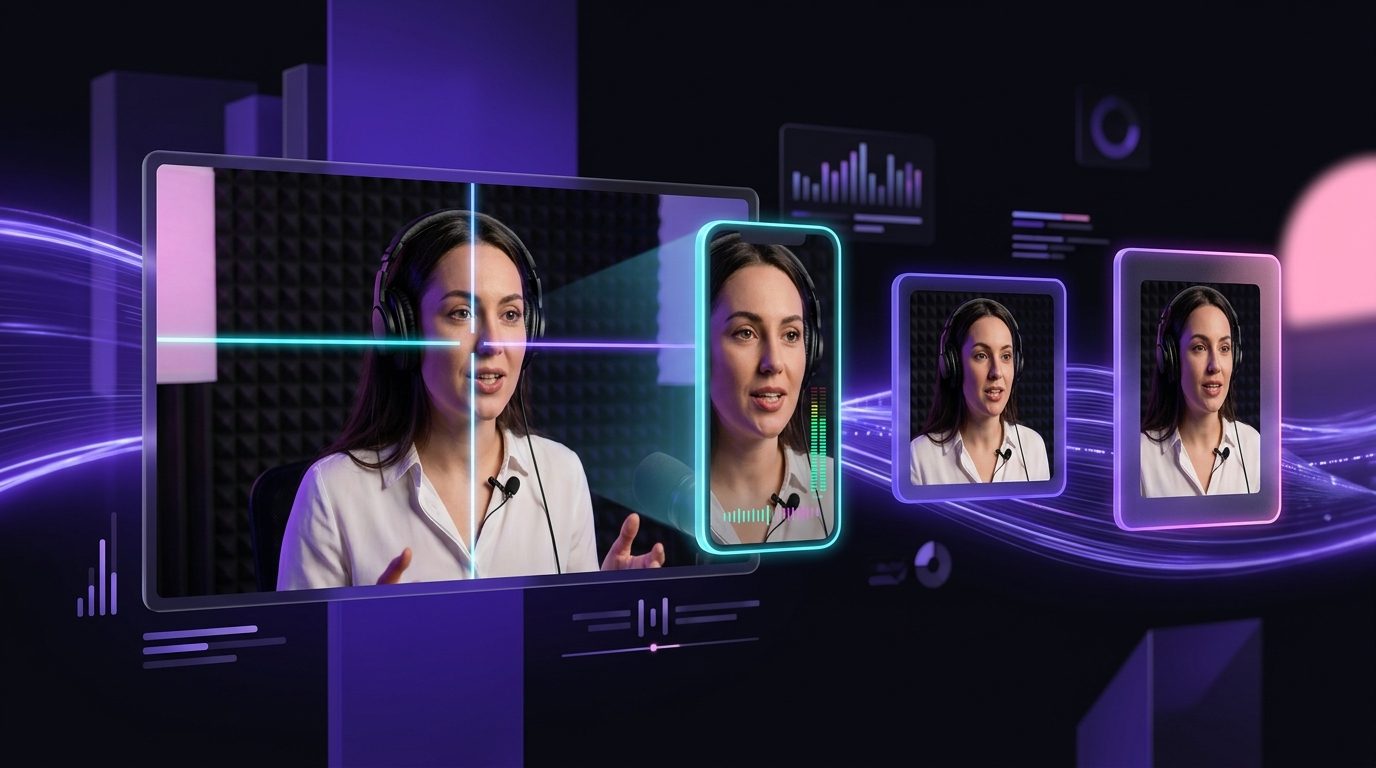
Write a sentence or start from an image and get a clip back at 1080p. The price is on the button before you press, and the result lands next to your clips, so it can be captioned, reframed and posted like anything else.

Free plan · No credit card · Works in the browser

AI Video Generator in Splicora

What you get

AI Video Generator, in practice

Text to video and image to video

Describe a shot and get it, or upload a still and have it move. Both end up in the same place, at the same price per second.

Smart Shot: one idea, up to five angles

One sentence becomes a shot list of three to five angles, each rendered and cut together in order, so you get a sequence rather than one clip on its own.

Priced by the second, shown first

Length times rate, on the button before you press. A failed render is refunded.

Lands in the project

A generated clip sits beside the ones you recorded, so it can be captioned, reframed, scored and scheduled by the same tools.

How it works

From a sentence to a clip.

  1. Describe the shot or upload a still

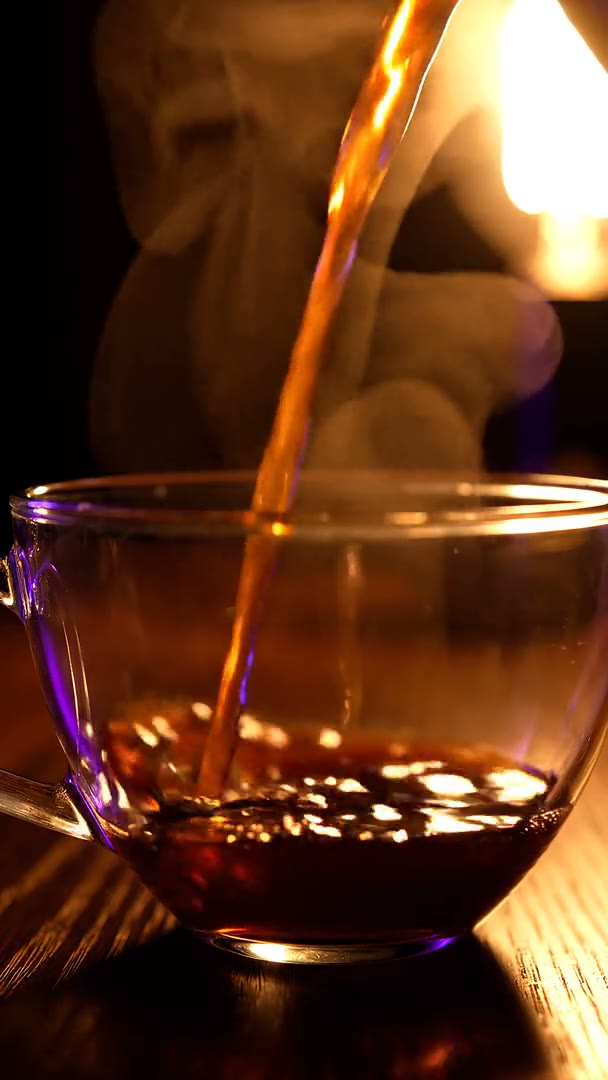
    A sentence for text to video, or a picture for image to video. Say what moves: a camera push, a slow pan, steam rising.

  2. Choose length and shape

    9:16 for shorts, 1:1 for the feed, 16:9 for YouTube. The price changes with the length and is shown as you change it.

  3. Generate

    The credits are reserved, the render runs as a job you can leave, and the clip arrives in the library when it is done.

  4. Use it

    Drop it in as B-roll, publish it as a short of its own, or open it in the video editor with the rest of the footage.

What generated video is good for

Generated video earns its place where filming is out of proportion to the shot: three seconds of something you cannot point a camera at, or a cutaway you need now rather than next week.

  • B-roll. A shot to cut away to while the voice keeps going, matched to what is being said. The B-roll generator does this inside a clip; this page is for when you want the shot itself.
  • Product shots. A bottle on a wet counter, a box opening, a close-up that would need a studio and a morning.
  • Openers. Two seconds of motion in front of a talking head, which is what the hook generator writes the line for.
  • Faceless shorts. Scenes for a narrated short where stock footage does not have what the script describes.
Read more

What it is not for: anything that has to be a record of something that happened. Generated video is made, not filmed, and a viewer who is told otherwise has been misled.

What generated video is good for

Standard and Best

Video is priced per second, and the rate depends on which option you pick: from 1 credit a second at the cheaper end up to 3 credits a second at the dearer one. Higher resolutions cost more per second than the floor, and the figure on the button is always the one you are about to spend.

Standard is right for B-roll and anything that plays behind a voice. It holds a simple movement well, and at the size a phone plays a short at, the difference costs more than it shows.

Best is worth it when the clip is the whole shot: the opener, the product, the thing nobody is talking over. It holds a subject steadier across a few seconds and makes fewer of the small errors that pull the eye.

Read more

Shorter and dearer usually beats longer and cheaper. Three seconds on the better option is worth more than eight on the cheaper one, because a generated shot that runs too long starts to drift.

Standard and Best

Smart Shot

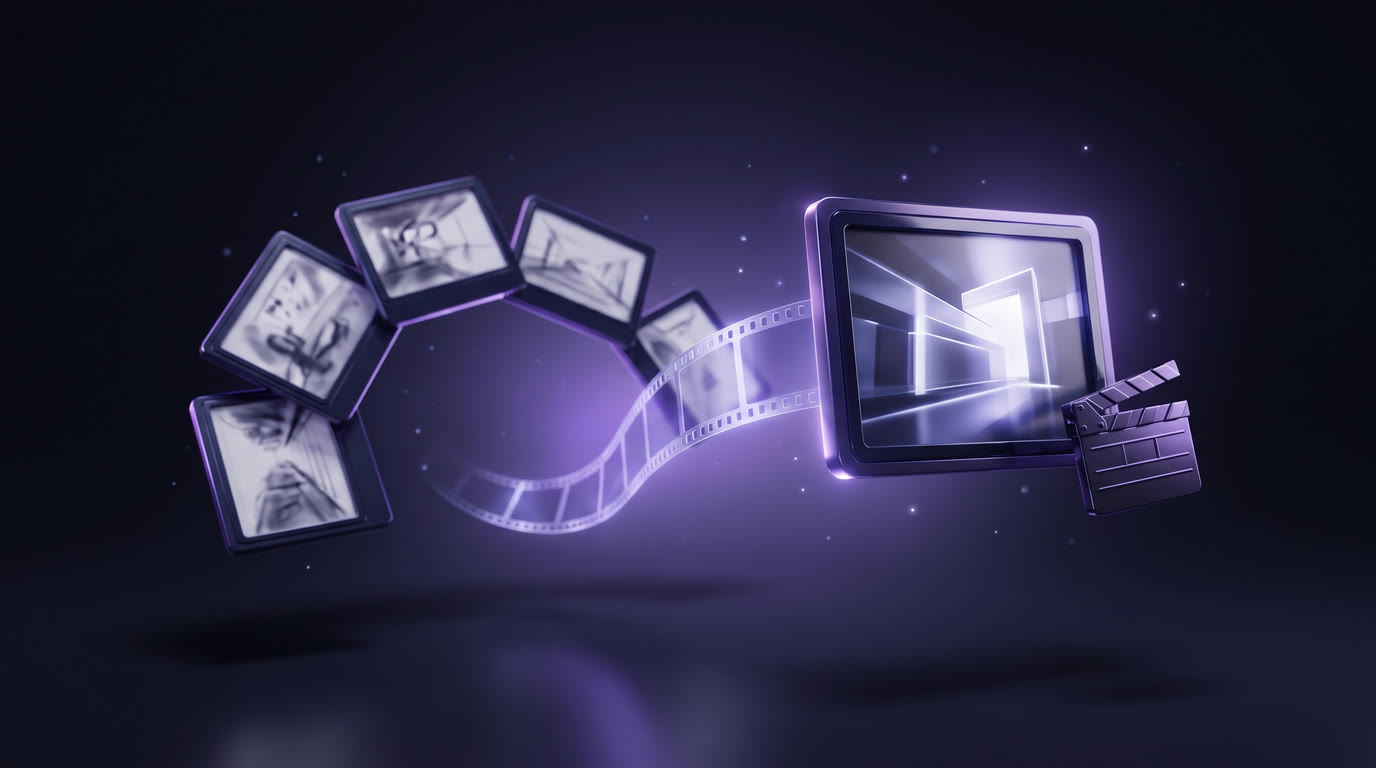
One sentence rarely makes a sequence. Smart Shot takes the idea, writes a shot list of three to five angles, renders each one and cuts them together in order, so what comes back is a short piece of film rather than a single clip.

It is angles on one idea rather than several takes of one actor: a wide, a close-up, a detail, in an order that reads. You choose how many shots, and the price is that number times the rate for the length you picked, stated before it runs.

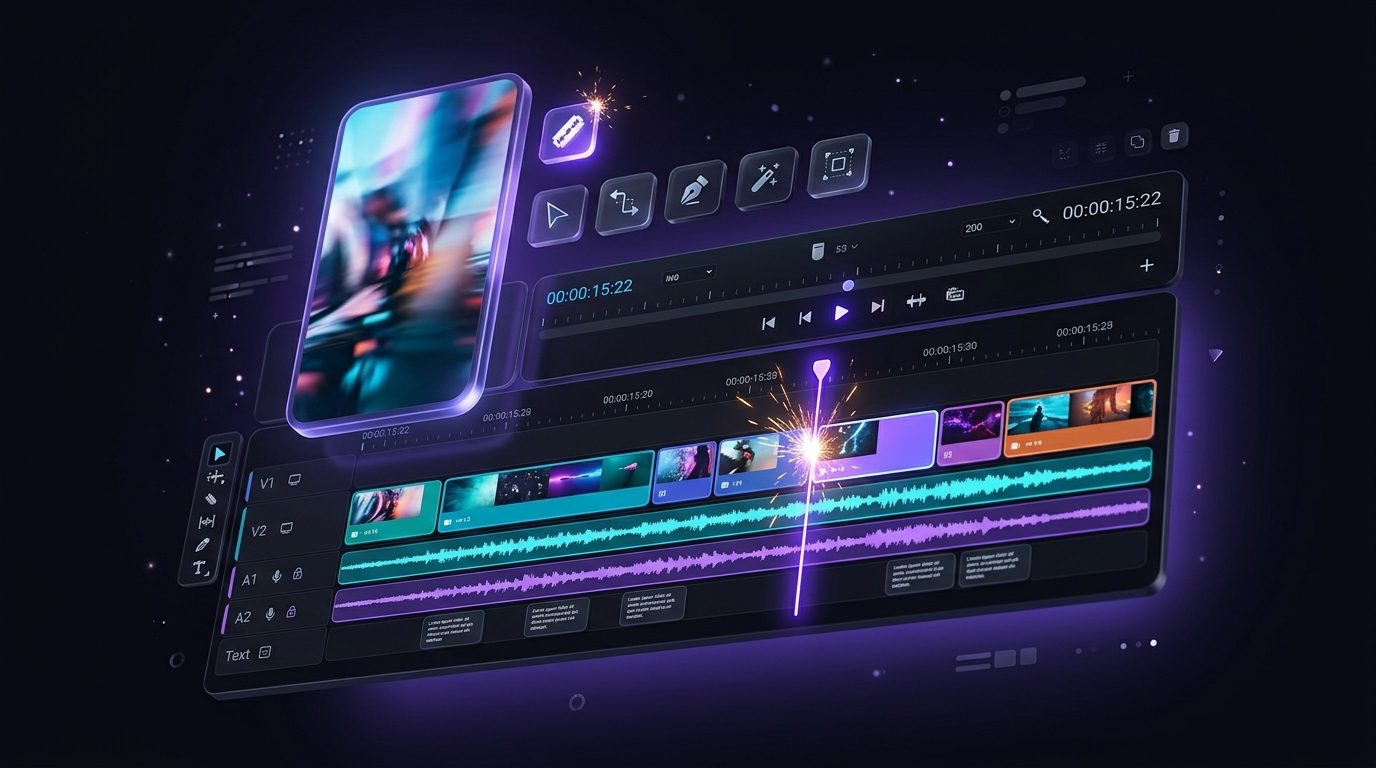
The result arrives as one cut in the library with its shots still separate in the editor, so a shot that did not work can be trimmed or replaced without running the whole thing again.

Smart Shot

From a generated clip to a post

A generated clip is a clip. Everything the rest of Splicora does to footage you recorded, it does to this.

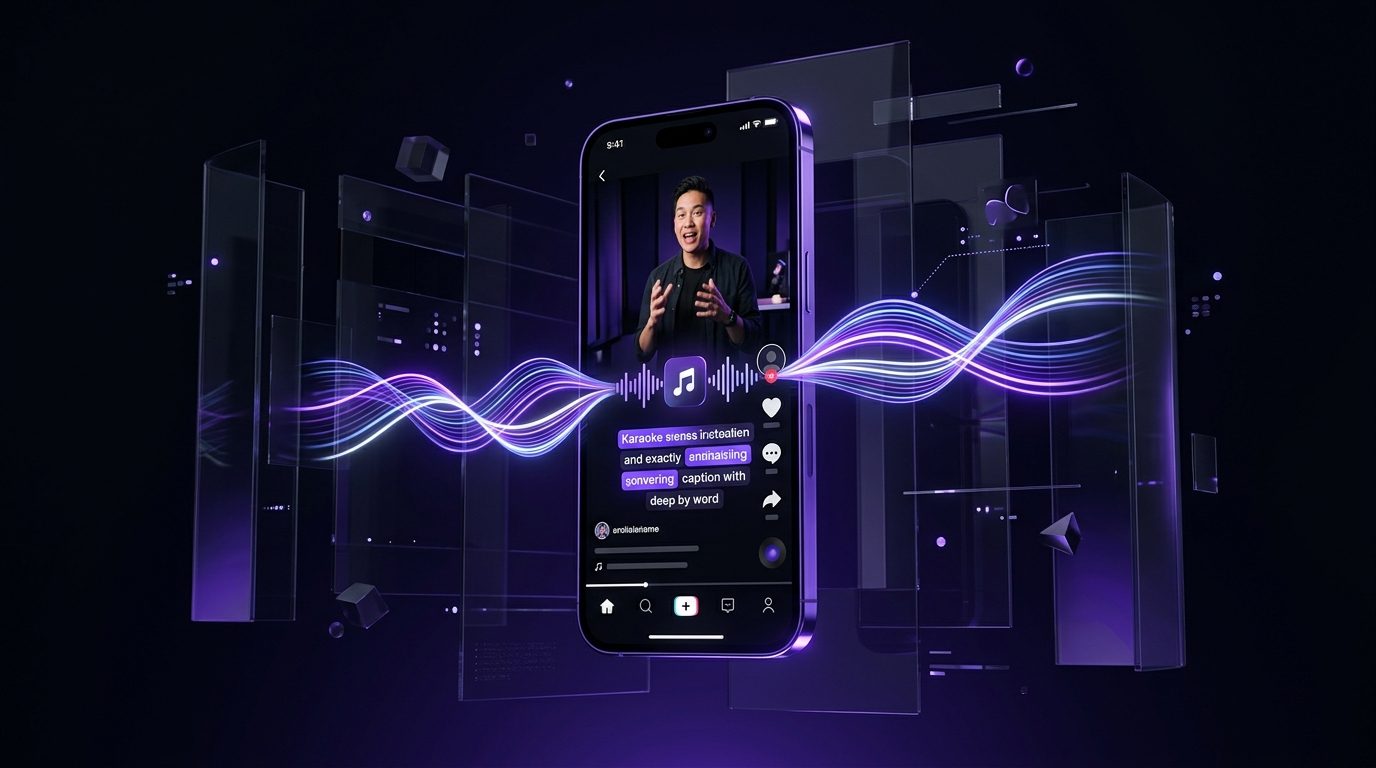
  • Captions. Word-timed subtitles in any of the caption styles, burned in, so it works on mute.
  • A voice over it. Narration from the voice generator, including a clone of your own, timed to the cut.
  • Another shape. Auto Reframe to 9:16, 1:1 or 4:5 without re-rendering it.
  • Out the door. Scheduled to every connected account from one calendar.
From a generated clip to a post

What it costs, with a worked example

Say you want one 5-second shot. On the cheaper option that is 5 x 1 = 5 credits. On the dearest it is 5 x 3 = 15 credits. Both numbers are on the button before you press, and a higher resolution moves the rate up from the floor.

Smart Shot multiplies by the shot count rather than by anything else: three 5-second shots at the cheaper rate is 15 credits, and the page does that sum for you before the cut starts.

The free plan's 25 credits a month are enough to try a few short shots and see whether the output is worth paying for. Credits are shared across every tool, and a render that fails returns them. The pricing page lists every kind side by side.

What it costs, with a worked example

Also in Splicora

Video from nothing is one of four. The same workspace makes images from a sentence and edits them on a canvas, voices including a clone of your own, and avatars that stay the same character across a series.

The other half of the product starts from something you recorded: the clip generator finds the moments, captions make them work on mute, and the scheduler posts them. A generated clip and a recorded one are the same kind of thing once they are in the project, which is the point.

Also in Splicora

Questions

The things people ask first.

A few seconds per render, which is what this kind of model produces. Longer pieces are made by cutting several shots together, which is what Smart Shot does, or by editing clips end to end in the video editor.

Yes. The voice generator reads a script in a built-in voice or a clone of your own, and the narration is timed to the cut in the editor.

Yes. Image to video starts from a still you upload, so a product photograph can be given a slow push-in or a turn rather than being filmed again.

Yes, 1080p is available, and the rate per second goes up with the resolution. The price on the button always matches the settings you have chosen.

Yes. The faceless video generator builds a narrated short from a script and can use generated scenes for the beats stock footage does not cover.

Also in Splicora

You do not have to start with a recording.

The same workspace generates images, video, voices and avatars from a sentence, with the price of each shown before you spend a credit. Whatever it makes lands in the project beside the clips, captions and posts, ready for the same scheduler.

Start with what you have.

A link, an upload, or a sentence. Every price is shown before you spend a credit.

We use cookies for analytics. Necessary cookies always run. Cookie Policy