YouTubers

You made the video. Splicora makes the week.

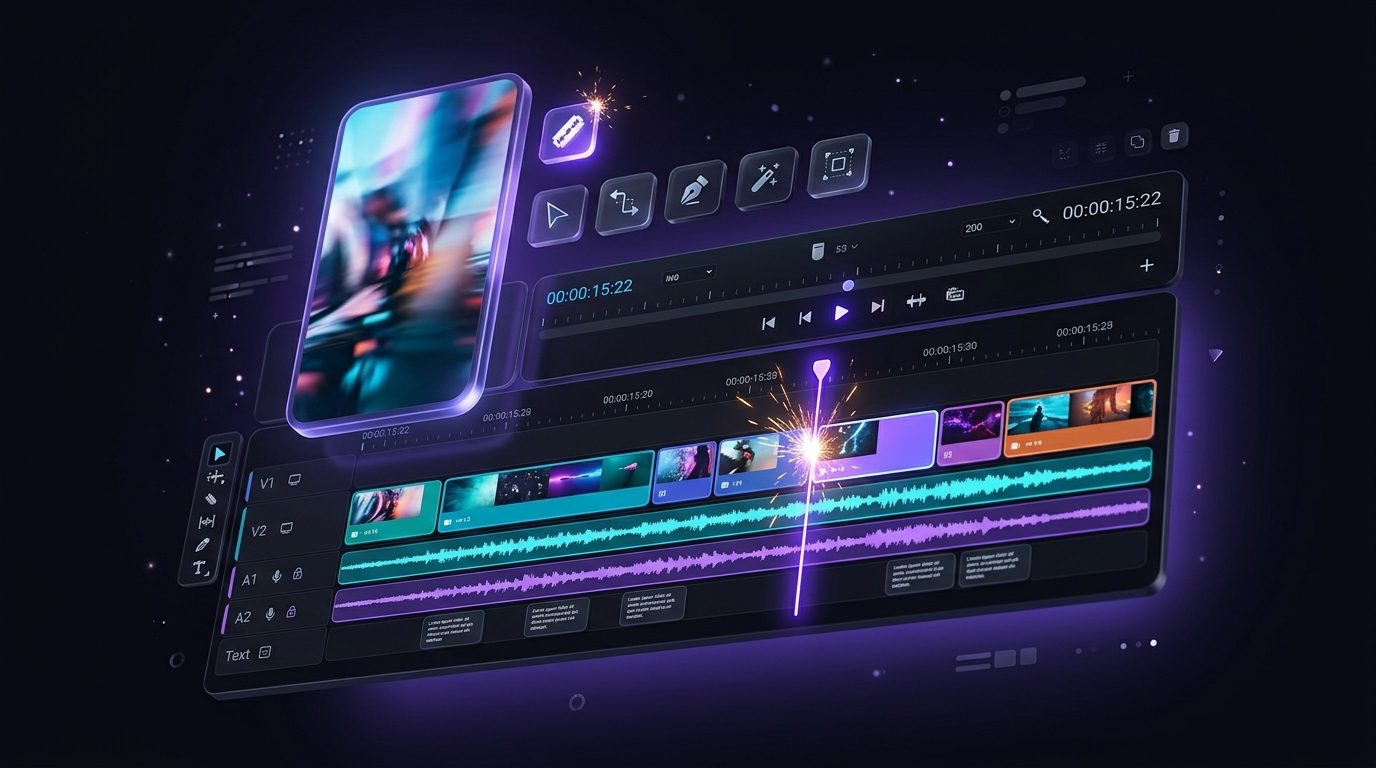
Paste the link to your latest upload. Splicora finds the moments worth posting, cuts them vertical with captions and a virality score, builds a thumbnail set, writes the post and the thread, and schedules all of it, so one upload keeps working for seven days.

Free plan · No credit card · Works in the browser

Splicora for YouTubers in Splicora

What you get

Splicora for YouTubers, in practice

Clips with a score

Every candidate is rated on hook strength, completeness, density and emphasis, and the score sits next to the clip, so you post the strongest one first rather than the first one in the list.

Captions in your style

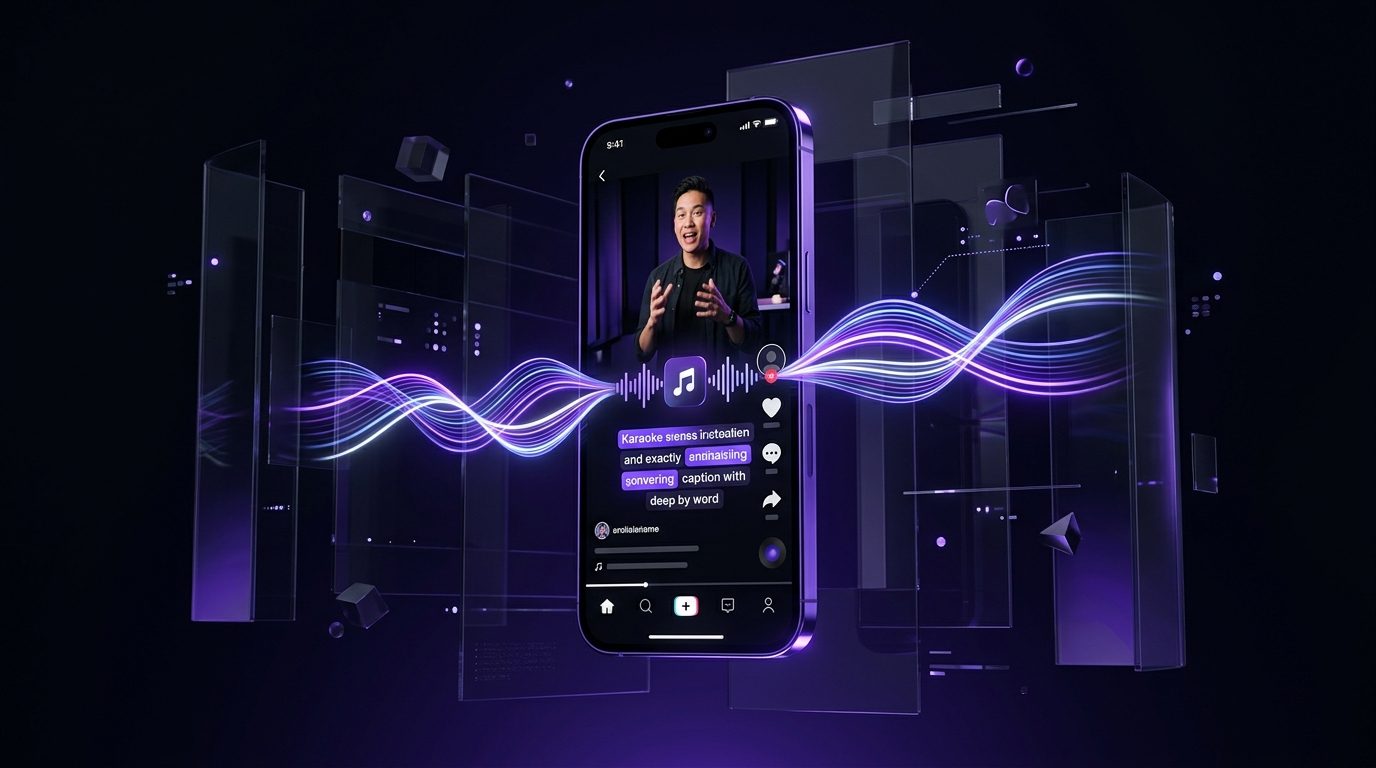
Word by word, in your fonts and colours, saved as a preset so the fiftieth clip looks like the first. A hundred styles to start from and twenty of them free.

Thumbnails you can compare

Sets rather than one guess, built from frames of your own video. Pro $39 adds A and B testing so the comparison is a measurement rather than an opinion.

Every platform from one calendar

Native posting to 10 platforms, with a caption written for each one instead of the same line pasted everywhere.

YouTube video to Shorts: what a good week from one upload looks like

A long upload is not one piece of content. A twenty minute video has six or seven self-contained moments in it, a few lines worth quoting, a thumbnail set hiding in its own frames and enough material for a newsletter. The reason most of that never gets made is that each piece is a separate session in a separate tool.

The week this page is about starts on the day you publish. The clips go out across the following seven days, the blog post goes up once, the thread goes out when the clips have had a day, and the newsletter closes the week. The upload keeps working while you are filming the next one.

None of that requires a second recording session, and all of it comes out of the transcript the clip generator already made.

YouTube video to Shorts: what a good week from one upload looks like

Why the score matters

Any tool can cut a long video into short ones. The question that actually decides whether a week works is which three of the nine you post, and in what order.

Splicora scores every candidate and shows you why: how strong the opening line is, whether the clip says one complete thing, how much is said per second, and whether there is a moment of emphasis in it. A clip that ends mid-thought is marked down even when the middle is excellent.

The score is a recommendation and not a rule. Drag the start and end, swap the caption preset, throw one away. What it saves you is the hour of watching nine clips back to decide the running order.

Why the score matters

Keeping your look

A channel is recognisable before anyone reads the title. Three things carry that across the clips:

  • A caption preset. Your font, your colour, your emphasis, saved once. See the subtitle generator.
  • A brand kit. Fonts and colours on covers and quote cards, included from Starter $19 upwards.
  • Reframe with face tracking. A 16:9 recording cropped to 9:16 keeps the speaker in frame rather than centred on an empty chair. See the video resizer.

All three are set up on the first video and then left alone, which is the point of them.

Keeping your look

Growing the channel with generated extras

The half of Splicora that does not need a recording is useful on a channel that does. B-roll matched to the transcript covers a jump cut. A cover image for a post that has no good frame in it. A presenter reading an announcement in the week you are away, built from your own photographs rather than from a stock library.

Generated video is priced by the second, from 1 credit a second, and a picture is 1 credit to 2 credits. Both are shown before you spend anything, which matters when the thing you are buying is a maybe.

Growing the channel with generated extras

What it costs on Starter

Starter $19 is 50 credits a month, with the brand kit, the calendar, the analytics dashboard and watermark-free exports. For one upload a week turned into clips and posts, that is the plan this page means.

  • Finding the clips in an upload: 10 credits for the analysis, then 2 credits a clip you keep.
  • Captions: 2 credits a clip. A hook: 1 credit. Thumbnails: 3 credits a set.
  • The written half: 3 credits for a blog post, 2 credits for a newsletter, 1 credit for a thread.

If you upload more than once a week, or want thumbnail A and B testing and clips with B-roll, Pro $39 at 500 credits is the next step. The pricing page has both side by side.

What it costs on Starter

Questions

The things people ask first.

Paste the link. A YouTube URL is enough, and Splicora reads the video from it. Uploads work too, in MP4, MOV, WebM or AVI, if the video is not published yet.

Yes, once you save a preset. Pick a style, set your font and colours, save it, and every clip after that uses it. There are a hundred styles to start from and twenty are free on every plan.

Yes. Connect the channel once and Shorts publish natively from the calendar, along with 9 other platforms. It is a real post rather than a link somebody has to tap through.

Four things, all read from the transcript and the audio: how strong the opening line is, whether the clip is a complete thought, how much is said per second, and where the emphasis falls. The score is shown next to the clip so the ranking is never a black box.

Team seats are on Teams $79, which includes 5 of them. Below that the account is one login. If your editor only needs to see the work rather than make it, a read-only review link costs nothing and needs no account.

Most youtubers start on Starter at 19 a month. See what each plan includes.

Also in Splicora

You do not have to start with a recording.

The same workspace generates images, video, voices and avatars from a sentence, with the price of each shown before you spend a credit. Whatever it makes lands in the project beside the clips, captions and posts, ready for the same scheduler.

Start with what you have.

A link, an upload, or a sentence. Every price is shown before you spend a credit.

We use cookies for analytics. Necessary cookies always run. Cookie Policy