

Comparison

The OpenArt alternative for people who have to post the work

OpenArt is a serious image studio with a lot of models in it. If what you need is the best picture, it is very good at that. If what you need is a week of posts, the picture is one step of about six, and the other five happen somewhere else. Splicora generates the picture and the video, and then clips, captions, writes and publishes, with the price of each action shown before you spend a credit.

Free plan · No credit card · Works in the browser

At a glance

AI image generation
SplicoraYes. Several models behind one prompt box, price per picture shown first
OpenArtYes, and it is the heart of the product: a far deeper catalogue of models, styles and controls
Clipping from a recording
SplicoraYes. Paste a link or upload a video and get scored clips
OpenArtNo. A long recording is not an input it takes
Native publishing
Splicora10 platforms from one calendar
OpenArtNo. Download the file and post it yourself

OpenArt checked November 2026 All 10 rows

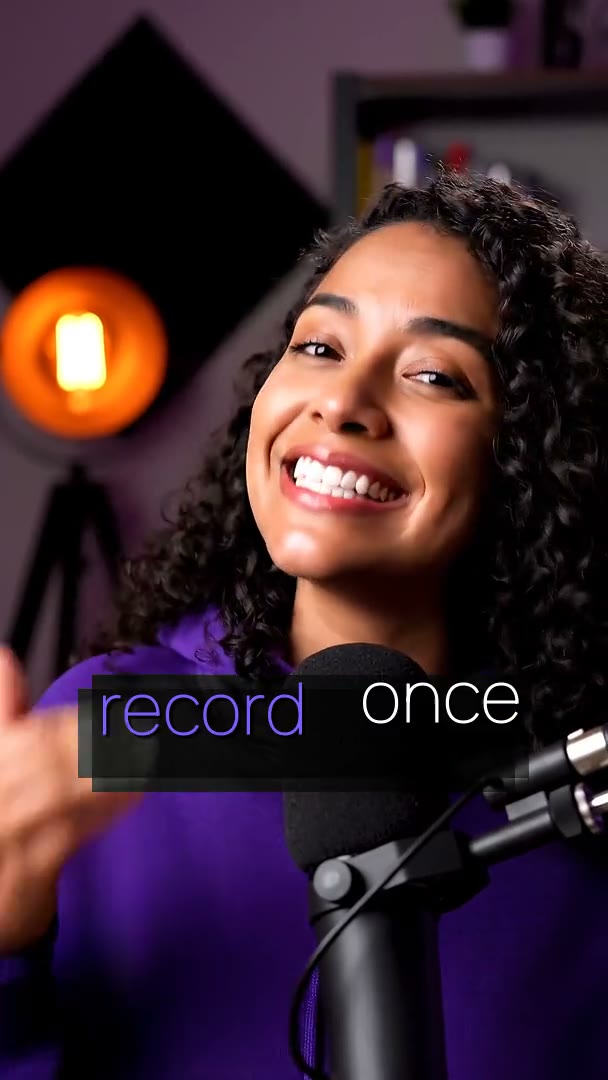
A finished short made in Splicora, compared with OpenArt

Side by side

Splicora vs OpenArt

Splicora’s column is taken from this product as it ships. The other column is public information checked in November 2026; prices and features change, so treat them as a starting point and confirm on their own site.

CapabilitySplicoraOpenArt
Built for Taking an idea or a recording all the way to posted Making the best image, and increasingly the best video
AI image generation Yes Several models behind one prompt box, price per picture shown firstYes And it is the heart of the product: a far deeper catalogue of models, styles and controls
AI video from a prompt Yes Text to video and image to video, priced per second, up to 1080pYes Several video models, image to video and story-style sequences
AI voice and voice cloning Yes Built-in voices, and a clone of your own with consent on record No voice product
AI avatars Yes A character built from your own photographs, animated and lip-synced Character consistency for images rather than a talking avatar
Clipping from a recording Yes Paste a link or upload a video and get scored clips No. A long recording is not an input it takes
Animated captions 100 styles, word-level timing, custom presets, translation No
Native publishing 10 platforms from one calendar No. Download the file and post it yourself
Price shown before you spend Yes On every action, and the ledger shows what was taken A credit cost per generation, varying by model and by promotion
Free plan Yes 25 credits a month, no card A one-time trial allowance rather than a monthly one (checked November 2026)

Verdict

If the output is the picture, use OpenArt. Its model catalogue is deeper than ours and that is the whole job it is built for. If the picture is one asset in a week of posts that also has clips, captions, written pieces and a schedule in it, Splicora is one subscription instead of four.

What OpenArt does well

OpenArt is a generation studio, and the depth is the point. There are many more models behind its prompt box than behind ours, with styles, controls and character tools layered on top, and a library of other people's prompts to start from. Somebody whose work is images is better served by that depth than by a shorter list, and we would rather say so than pretend otherwise.

Its video side has grown the same way: several models, image to video, and sequences built shot by shot. Pricing is in credits, with the rate depending on which model you pick, and the free option as of November 2026 is a one-time trial allowance rather than a monthly one, so the first month and the fifth month are different experiences.

Read more

What it is not is a place the work leaves from. There is no long recording as an input, no transcript, no captions, no writing, and nothing that posts to an account. That is not a gap in the product; it is the edge of it.
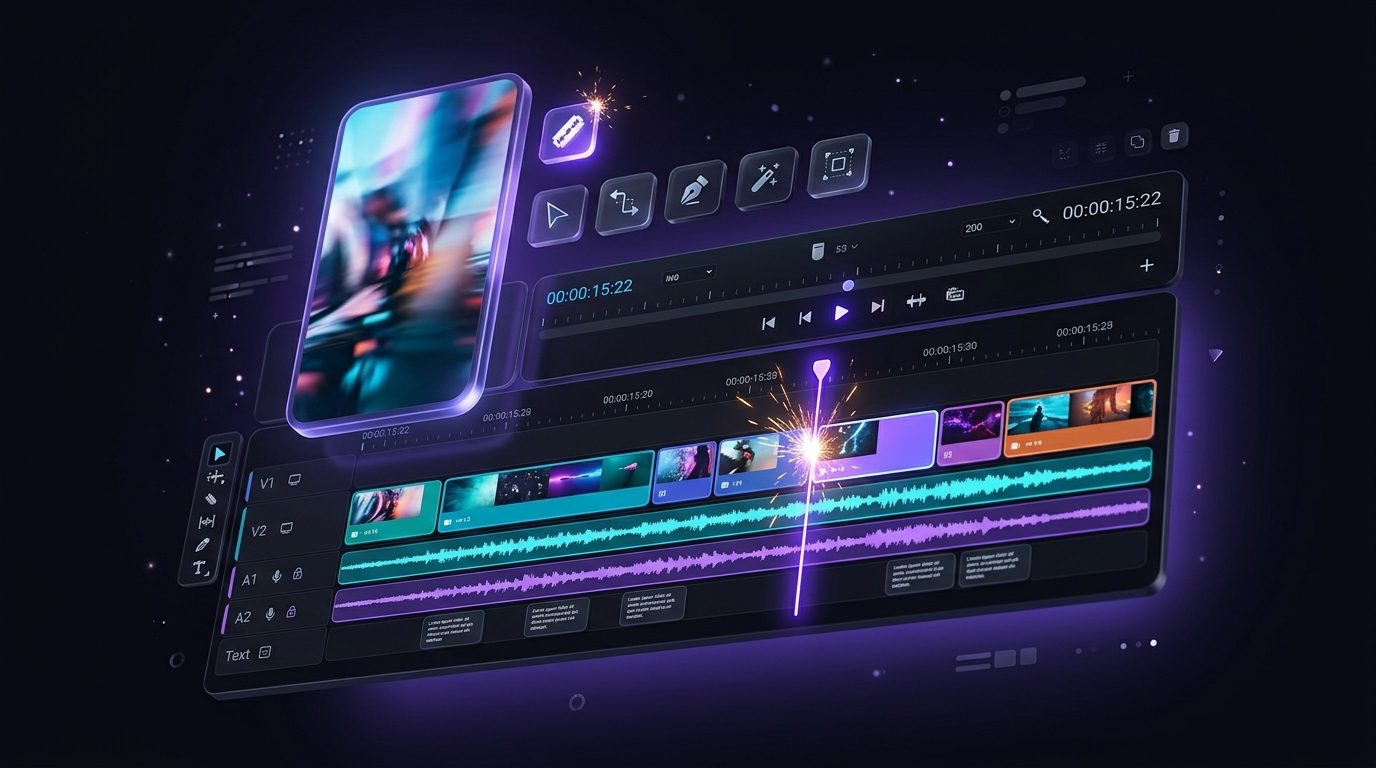
The Splicora editor, with a clip open

Where Splicora goes further

Splicora has the generation half, and it is honestly the smaller catalogue: a handful of models behind one prompt box, chosen so a picture, a clip or a voice costs a predictable number of credits. What it has that a studio does not is everything after the file exists:

Read more
  • A recording is an input. Paste a link or upload a video and the clip generator finds the moments, scores them and cuts them vertical.
  • Captions. 100 animated styles with word-level timing and your own saved preset, from the subtitle generator.
  • The writing. The same transcript becomes a blog post, a newsletter, show notes and a thread in your brand voice.
  • Publishing. Native posting to 10 platforms from one calendar: YouTube, TikTok, Instagram, Facebook, LinkedIn, X, Pinterest, Threads, Bluesky and Snapchat. See the scheduler.
  • Images and video from a sentence, in the same project as the clips. See the image generator and the video generator.
  • A voice, and a clone of your own, for the hook, the narration or the whole faceless short. See the voice generator.

The practical difference is where the work stops. A generated cover image in OpenArt is a download, which then has to be carried to a thumbnail, a post and a schedule. In Splicora it is already in the project next to the clip it belongs to, and the calendar can take both.

Posts written from one recording, in a brand voice

Pricing, plainly

Both products meter in credits, and the difference is where the number appears. Splicora shows the price of an action on the button before you press it, and the ledger afterwards shows what was taken, so a month is auditable rather than estimated. The Free plan is 25 credits a month with no card; Starter $19, Pro $39, Teams $79 add credits, storage, brand voices and team features, and the pricing page has the table.

OpenArt's credit rates depend on the model and have carried promotional rates during November 2026, which makes a monthly figure harder to predict in advance. Its own pricing page is the only authority on what it charges today, and we would rather point you there than print a number that goes stale.

Using both

These two are not really the same purchase, and plenty of people should have both: generate the hero image where the catalogue is deepest, then bring it into Splicora as an upload and let the project carry it through captions, posts and the calendar.

If you would rather consolidate, start from the recording side, because that is the half a studio cannot do. Paste one video into Splicora, see what a week of posts looks like, and generate the two or three pictures that week needs in the same place. The help centre covers the clipping workflow, and nothing has to be migrated to try it.

FAQ

Questions people ask.

Splicora has a Free plan with 25 credits a month and no card required, which covers images, clips, captions and the editor. OpenArt's free option is a one-time trial allowance, so the comparison is monthly against once.

No. OpenArt has a deeper catalogue and that is a real advantage if the picture is the deliverable. Splicora keeps a short list behind one prompt box so the price of a picture is predictable, and spends the rest of the product on what happens after it.

Yes, from text or from a still, priced per second and shown before you spend. Resolution goes up to 1080p today, so for the highest-resolution output a dedicated studio is the better tool.

No. It produces files to download. Splicora publishes natively to 10 platforms from one calendar on every plan.

Yes. Upload it and it behaves like any other asset: it can be a cover, a thumbnail, a frame in a video or an attachment on a scheduled post.

Run the same video through Splicora.

Paste the link you were about to clip elsewhere. Compare the clips, the captions and the publishing side by side. Free, no card.

We use cookies for analytics. Necessary cookies always run. Cookie Policy