Yes — bad audio quietly kills Reels by pushing people away early, which drags down your completion rate and makes the algorithm throttle your reach. An audio enhancer solves it: it strips noise and echo, evens out the volume, and makes voices clearer. Viewers stay longer, the platform reads your content as high quality, and it gets shown to more people.
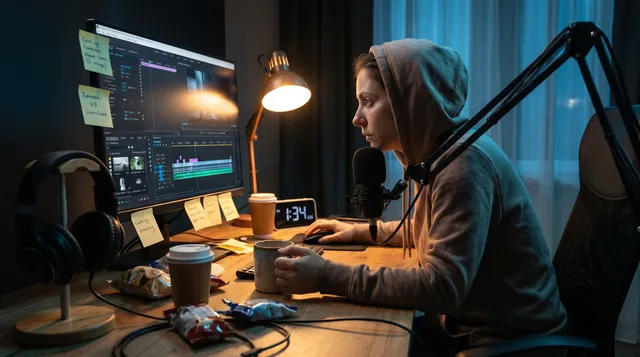
You spent an hour setting up the shot. You nailed the hook. You trimmed every dead frame. And it still flopped. Before you blame the algorithm or the thumbnail, put on headphones and listen back. The problem might be something you stopped hearing a long time ago.
An audio enhancer won't rescue a boring idea. But it can keep good ideas from dying on arrival. Sound is the invisible half of every Reel, and when it's bad, people leave before your message ever lands.
Why audio decides whether people stay
Short-form platforms rank content on watch time and completion rate, and those numbers are brutally sensitive to the first two or three seconds. Here's the uncomfortable part: people put up with shaky footage far more than they put up with bad sound.
Think about your own scrolling. A slightly blurry clip with crisp, clear narration? You stay. A perfectly lit video with muffled, echoey, hissy audio? Your thumb's already moving.
There's a reason for this. Muddy audio makes your brain work harder to figure out what's being said. That strain feels like effort, and effort on an entertainment feed means one thing: people swipe to something easier.
The hidden chain reaction
Bad reels audio does more than annoy viewers. It sets off a chain:
- Viewers drop off in the first three seconds
- Completion rate falls
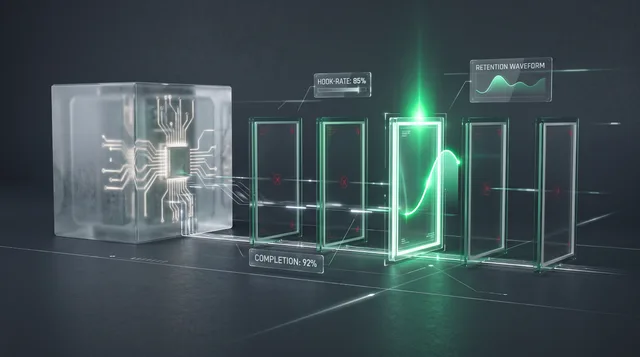
- The platform reads low retention as "low quality"
- Your reach gets throttled
- Fewer people see your next post too
One weak soundtrack can quietly hold back a whole run of content, and you'd never know the real cause.
The audio problems you've stopped noticing
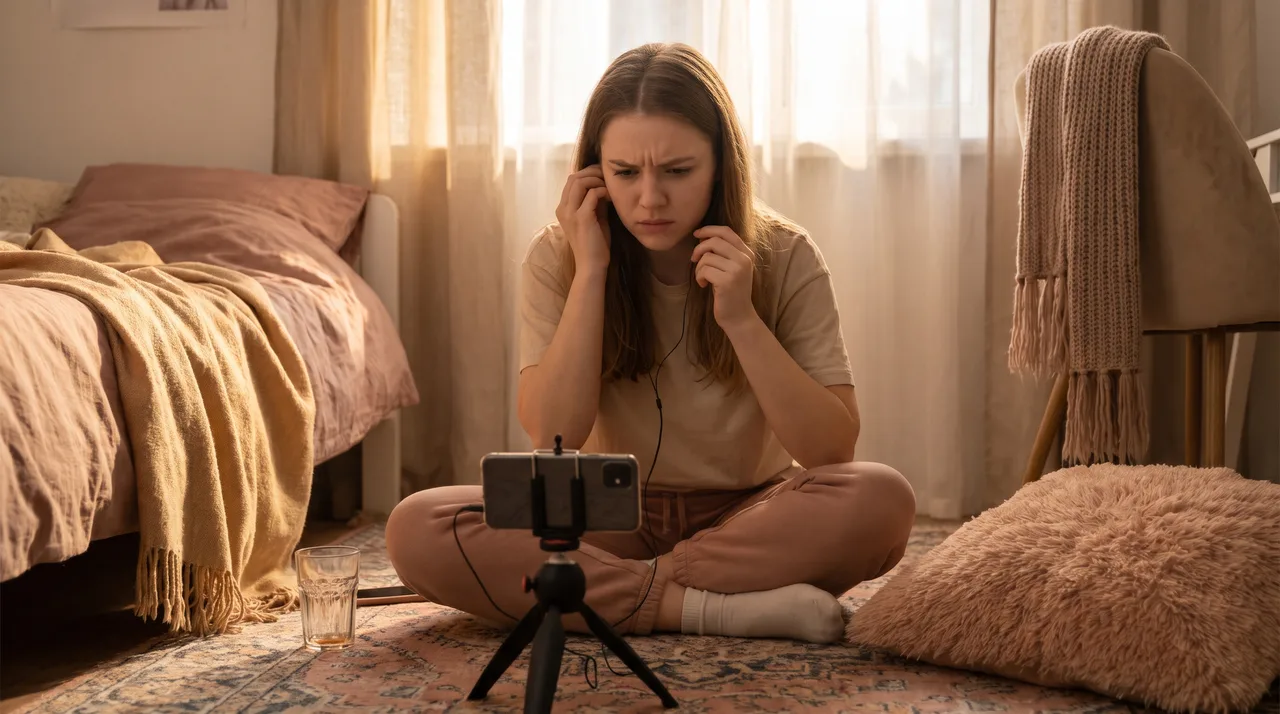
The cruelest thing about bad audio is that creators go deaf to it. You recorded the clip, you've heard your own voice a thousand times, and your brain fills in the gaps. Your audience's brain does not.
Here are the usual suspects quietly sabotaging your video sound quality:
| Problem | What it sounds like | Where it comes from |
|---|---|---|
| Background hiss | A constant "shhh" under your voice | Cheap mics, high gain, air conditioning |
| Room echo | Hollow, bathroom-y reverb | Recording in bare rooms with hard walls |
| Muffled voice | Like talking through a pillow | Phone mic pointed away, soft furnishings |
| Plosives | Harsh "p" and "b" pops | Speaking too close to the mic |
| Volume swings | Loud then suddenly inaudible | Moving around while filming |
| Clipping | Crackly distortion on loud words | Recording level set too high |
Most Reels have at least two of these going at once. On their own, they're small. Together they tell viewers, without words, that this isn't worth their attention.
What an audio enhancer actually does
"Enhancement" sounds vague, so let's get specific. A modern audio enhancer runs your track through several processes, usually in one pass, to undo the damage above. The good ones use AI models trained on thousands of hours of clean speech.
Here's what's happening under the hood:
Noise reduction
The enhancer spots the steady background layer — fan hum, street noise, electrical hiss — and strips it out while leaving your voice intact. Older tools made voices sound robotic and underwater. Newer AI-based ones separate speech from noise cleanly, so you keep the warmth and lose the junk.
De-reverb
Echo is harder to fix than noise, because it's your own voice bouncing back. Enhancers now model the room's reflections and subtract them, pulling your voice forward like you recorded in a treated studio.
Leveling and normalization
This smooths out the volume rollercoaster. Quiet words come up, loud words come down, and the whole track sits at a steady, platform-friendly loudness. No more viewers cranking the volume and then getting blasted.
EQ and clarity
The final polish shapes the tone. It adds presence so speech cuts through, and trims boom so things don't sound boxy. This is what takes audio from "acceptable" to "sounds professional."
Does enhancement really move the numbers?
It's fair to be skeptical. Will cleaner sound actually change your reach, or is this just creator folklore?
Think about it as retention math. If clearer audio keeps even 5% more viewers past the three-second mark, that compounds. Higher early retention signals quality to the algorithm, which pushes your clip to more test audiences, which generates more watch time. The loop feeds itself upward instead of down.
You don't need a study to feel this. Re-watch an old Reel of yours that underperformed. Clean up just the audio, repost a similar clip, and compare the average watch time. The difference is usually obvious.
A practical workflow for fixing your reels audio
You don't need a sound engineering degree. Here's a process you can repeat.
1. Record the cleanest source you can
Enhancement is a rescue tool, not a magic wand. Garbage in still limits how good things get. Quick wins before you hit record:
- Get the mic within 12 inches of your mouth
- Record in a room with soft stuff — curtains, couches, rugs
- Kill obvious noise sources: fans, AC, open windows
- Set your level so loud words peak around -6dB, not maxed out
2. Run it through an audio enhancer
After recording, run your audio through an enhancer before you edit the video. Most tools let you upload the clip or audio file and download a cleaned version in seconds. Listen on headphones to make sure it sounds natural, not over-processed.
3. Check the result on phone speakers
Here's the step everyone skips. Most of your audience watches on a phone speaker, not studio monitors. Something that sounds balanced in headphones can sound thin and harsh on a tiny speaker. Always do a final listen the way viewers actually will.
4. Match your music to your voice
If you add background music, keep it well below your voice. Think of it as seasoning, not the main dish. A common mistake is letting trending audio drown out the narration you worked so hard to clean up.
Rough mix target:
- Voice:        loud and clear, front and center
- Music bed:    roughly 20-25% of voice volume
- Sound FX:     punchy but brief
Repurposing: where good audio pays off twice
If you turn one recording into multiple clips across platforms, clean audio multiplies in value. A single podcast episode, webinar, or long video can spawn a dozen Reels, Shorts, and TikToks.
Fix the sound once at the source and every clip you cut from it inherits the quality. Leave it noisy, and you're copying the same flaw into every repurposed piece. That's a lot of throttled reach from one lazy decision.
When you're slicing long content into short verticals, make enhancement part of the export step, not an afterthought. It's the cheapest quality upgrade you can apply at scale.
Common mistakes even careful creators make
Even people who care about sound trip over these:
- Over-enhancing. Crank noise reduction too hard and your voice starts to warble and sound synthetic. A little residual room tone is more natural than an airless, processed vacuum.
- Ignoring loudness consistency across clips. If one Reel is quiet and the next is blaring, viewers who binge your profile keep reaching for the volume. Normalize everything to the same target.
- Enhancing after adding music. Clean the voice first, then layer music. Running an enhancer over a full mix can mangle the instruments.
- Trusting your laptop speakers. They flatter audio. Judge on headphones and a phone speaker, never on built-in speakers alone.
How to tell if your audio is the problem
Not sure if sound is your bottleneck? Try this quick diagnostic:
- Mute one of your recent Reels and watch it. Does the visual still hold attention? If yes, your footage is fine and audio is the weak link.
- Listen to just the audio with the screen off. Is it clear, or do you lean in to understand? If you strain, so does your audience.
- Compare it against a creator in your niche whose videos sound crisp. The gap you hear is the gap costing you reach.
If any of those raise a red flag, enhancement is the fastest fix you've got — faster than buying new gear, faster than rebuilding your set.
The bottom line
Viewers forgive a lot about your visuals. They forgive almost nothing about your sound. Muffled, noisy, uneven audio quietly pushes people away in the exact window where retention matters most, and the algorithm punishes you for drops it assumes are about quality.
The fix isn't expensive and it isn't complicated. Record the cleanest source you can, run it through a solid audio enhancer, check it on a phone speaker, and keep your music underneath your voice. Do that consistently and you lift one of the most common invisible ceilings on short-form reach.
Your ideas deserve to be heard clearly. Don't let your audio be the reason they aren't.